01
Set it up once
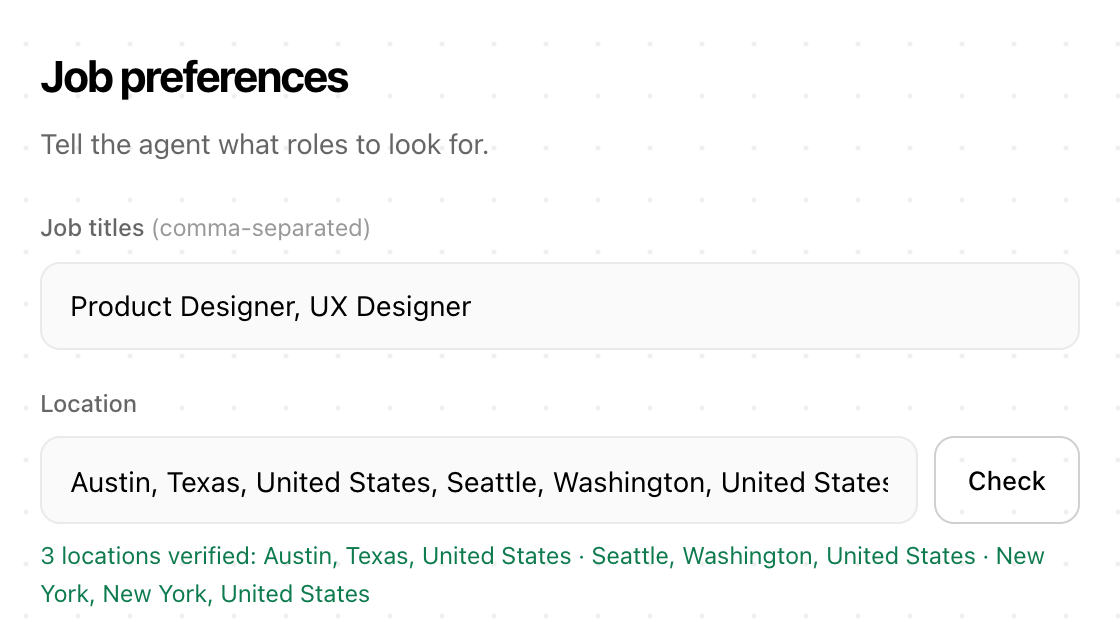
Add your CV and check what it read. Then list the job titles and places you want, and the lowest match score worth applying to.
Aplies is a Chrome extension that searches LinkedIn for the roles you choose, fills in each application from your CV and sends it. You pay only for the applications it submits.
10 free credits to start · No card · Desktop Chrome
How it works
Add your CV and check what it read. Then list the job titles and places you want, and the lowest match score worth applying to.
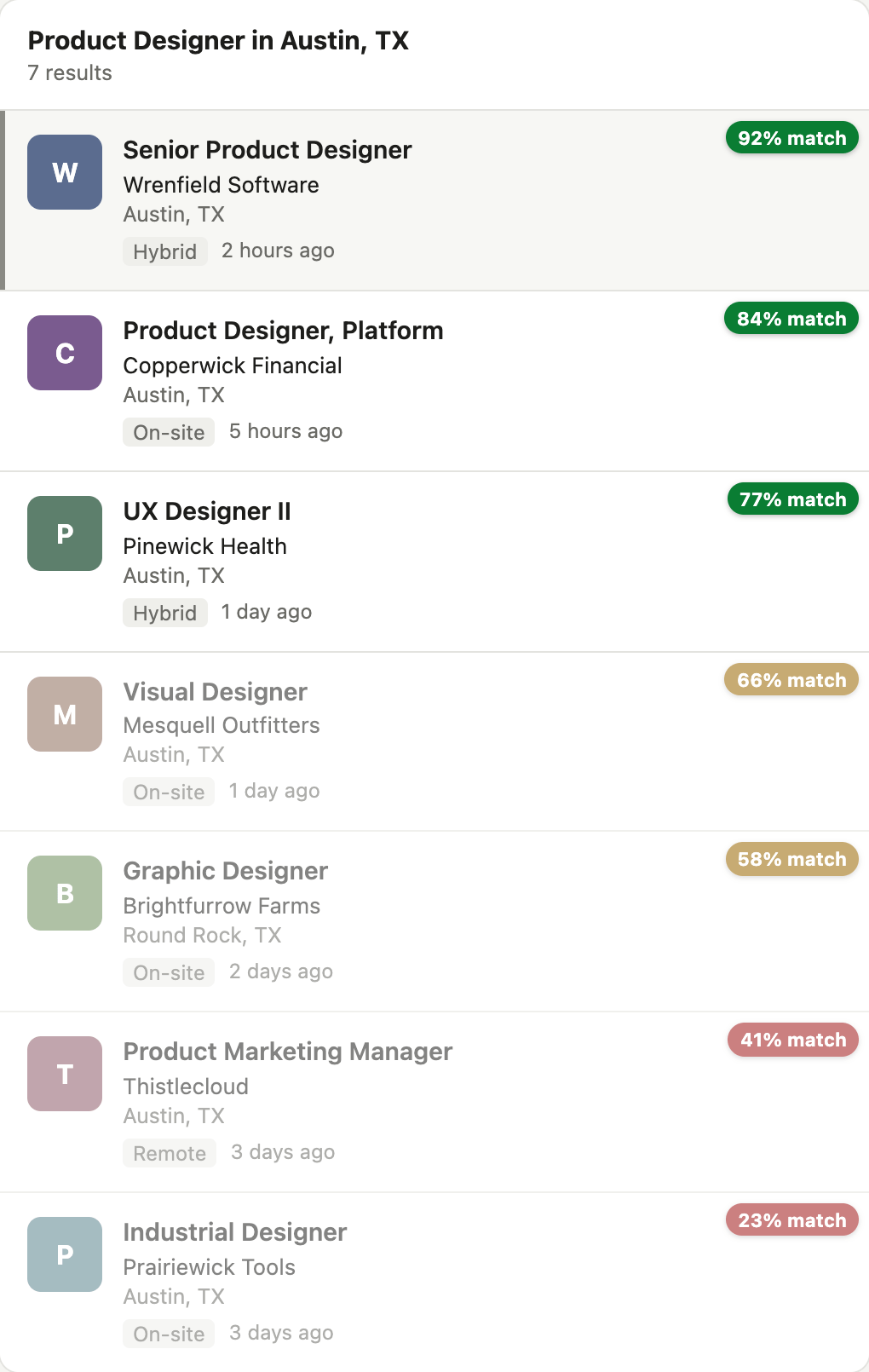
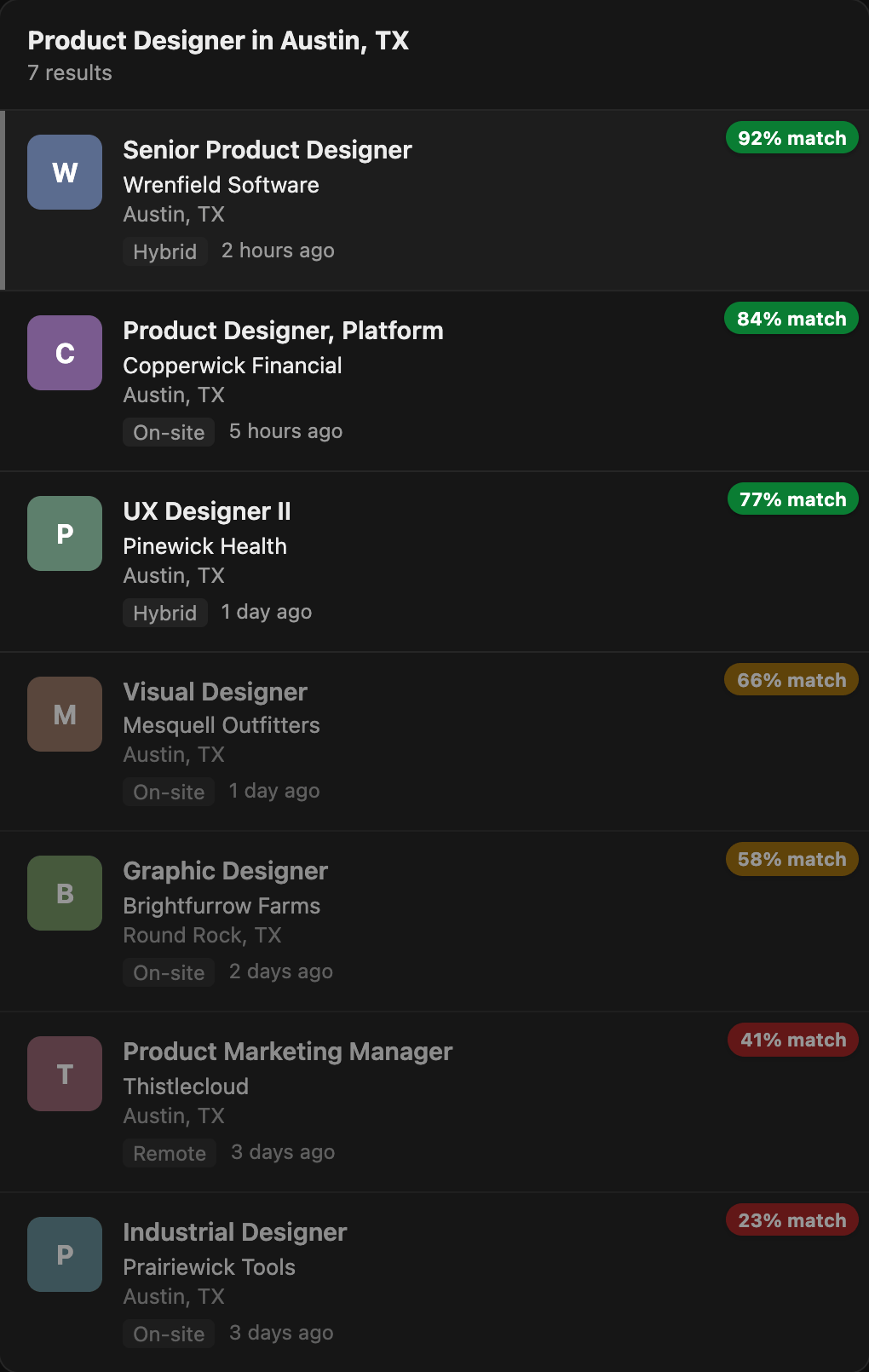
Press Start. It opens its own LinkedIn tab in the background and searches each title, place by place, newest jobs first. Every job gets a match score out of 100, and jobs under your minimum are never opened.
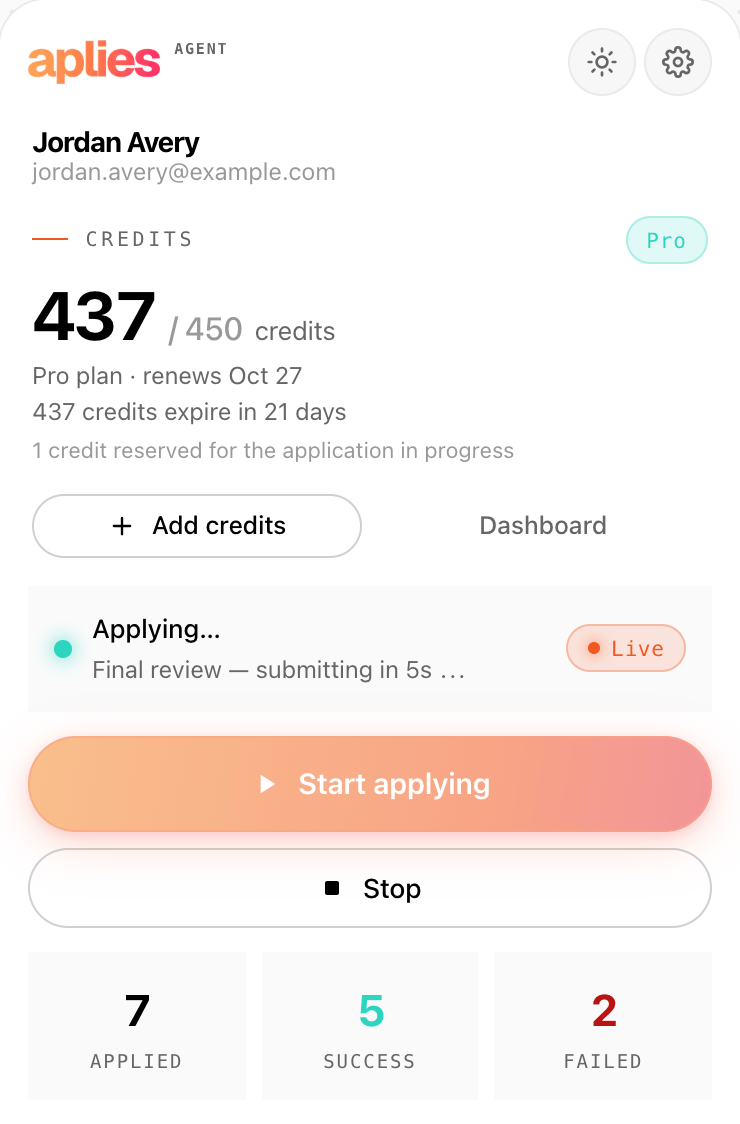
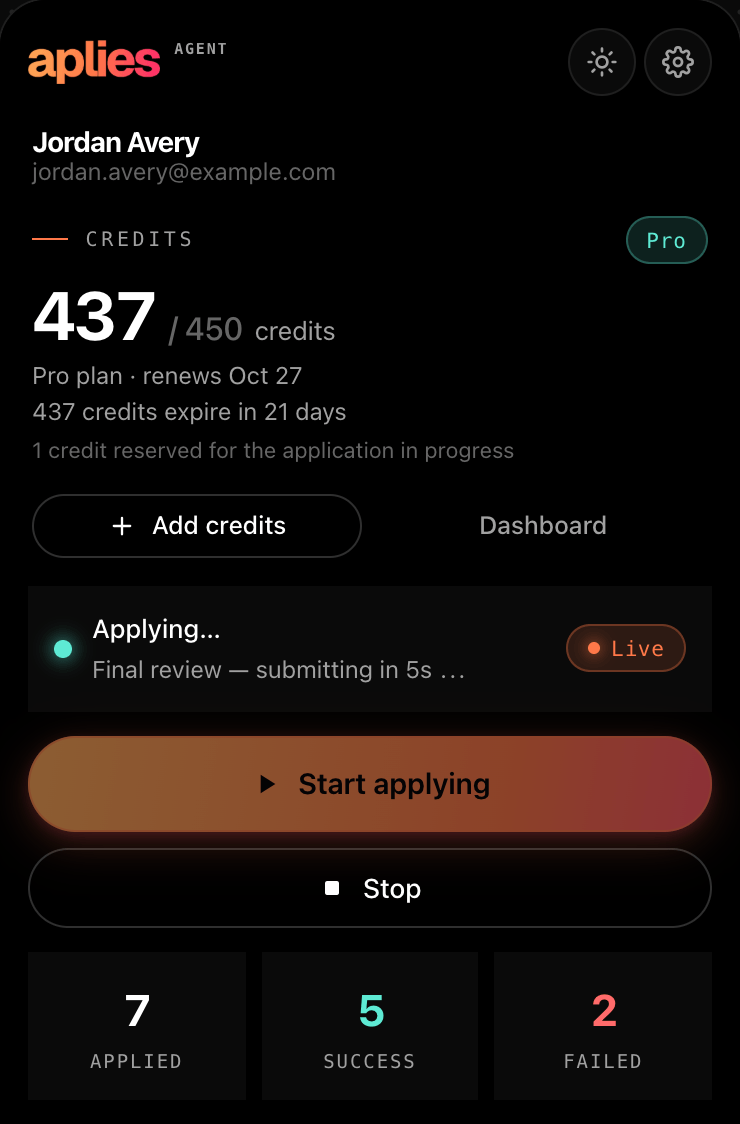
It works through each Easy Apply form: contact details, CV, screening questions, review. Then it submits on its own after a short pause. If a form rejects an answer, it reads the error, corrects it and tries once more.
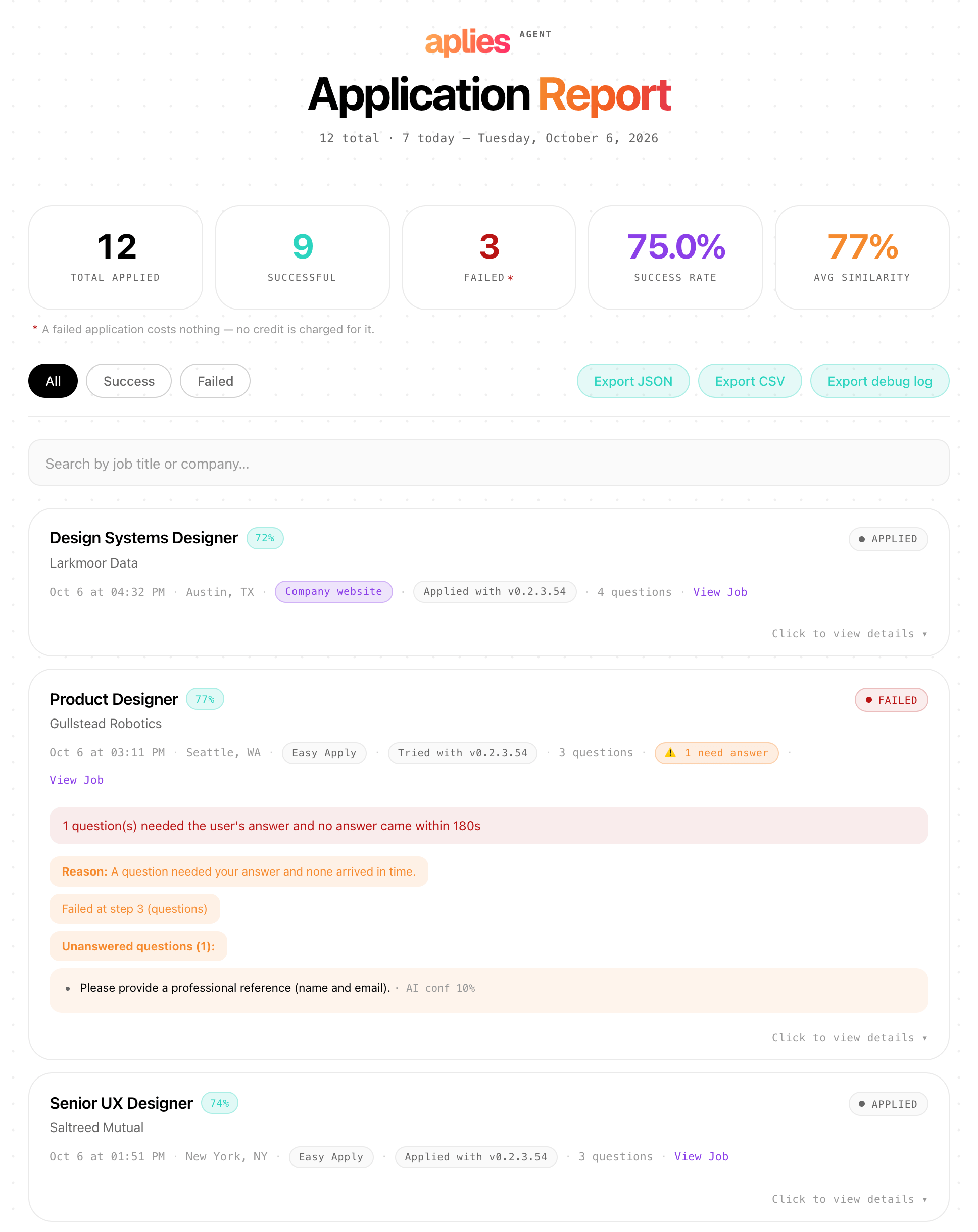
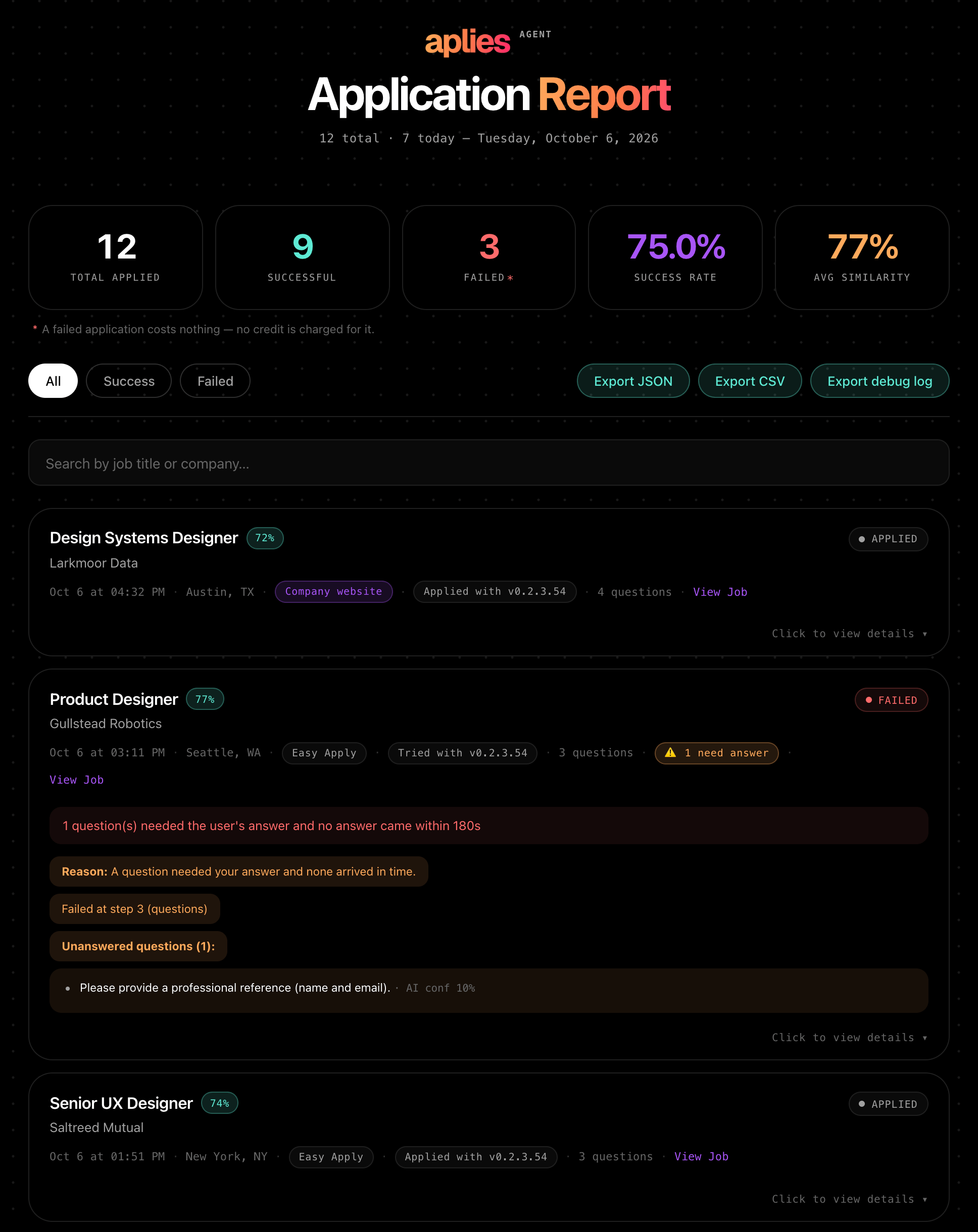
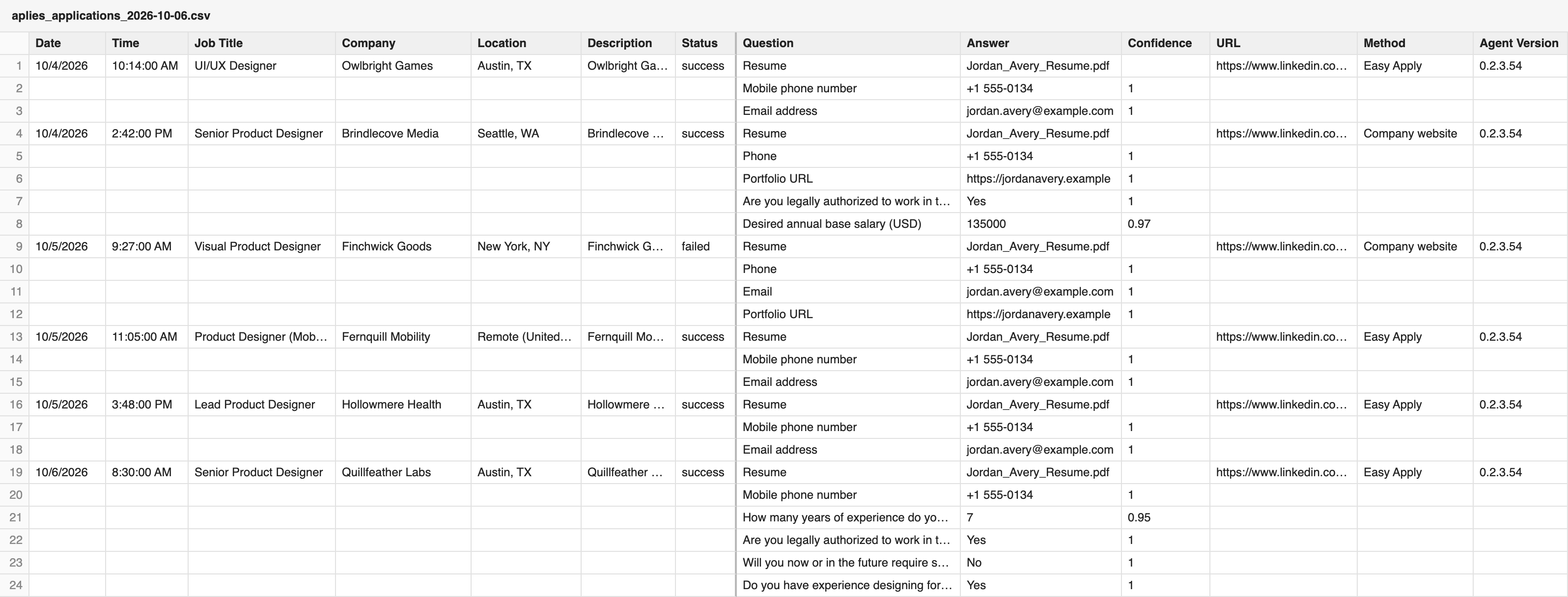
Every attempt, failures included, goes into the Agent's Application Report: the job, each question and the answer it gave. Export it as a CSV; your dashboard on aplies.com lists your applications too.
When it isn't sure
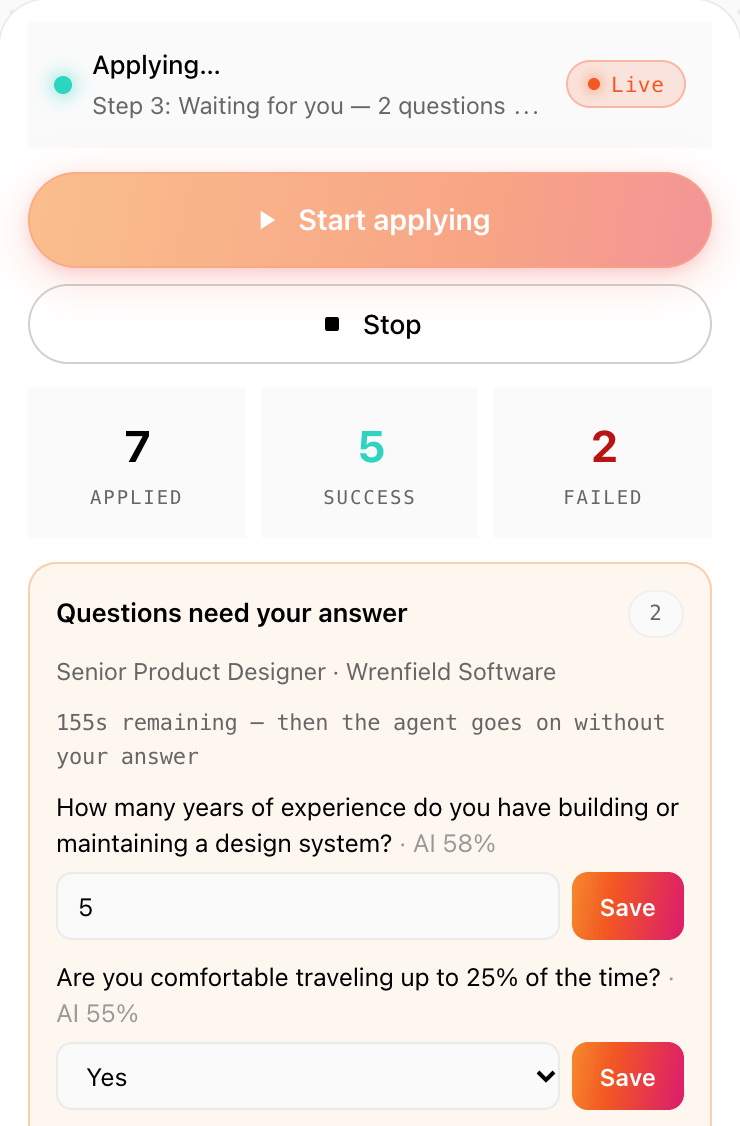
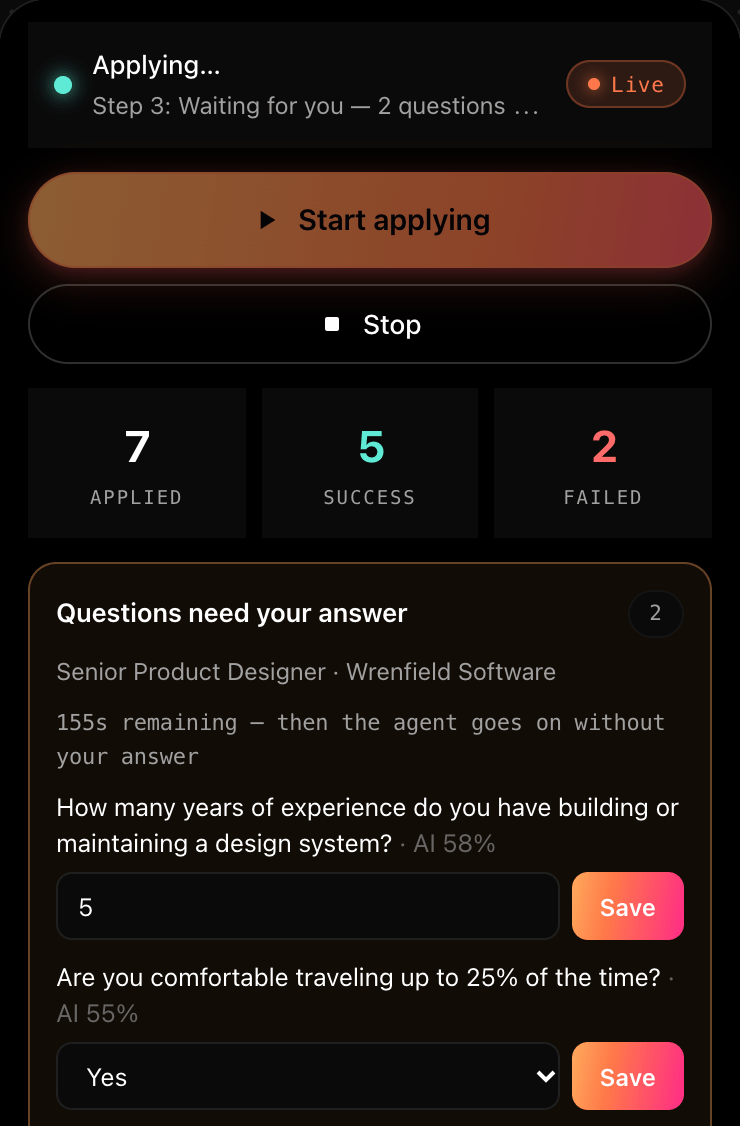
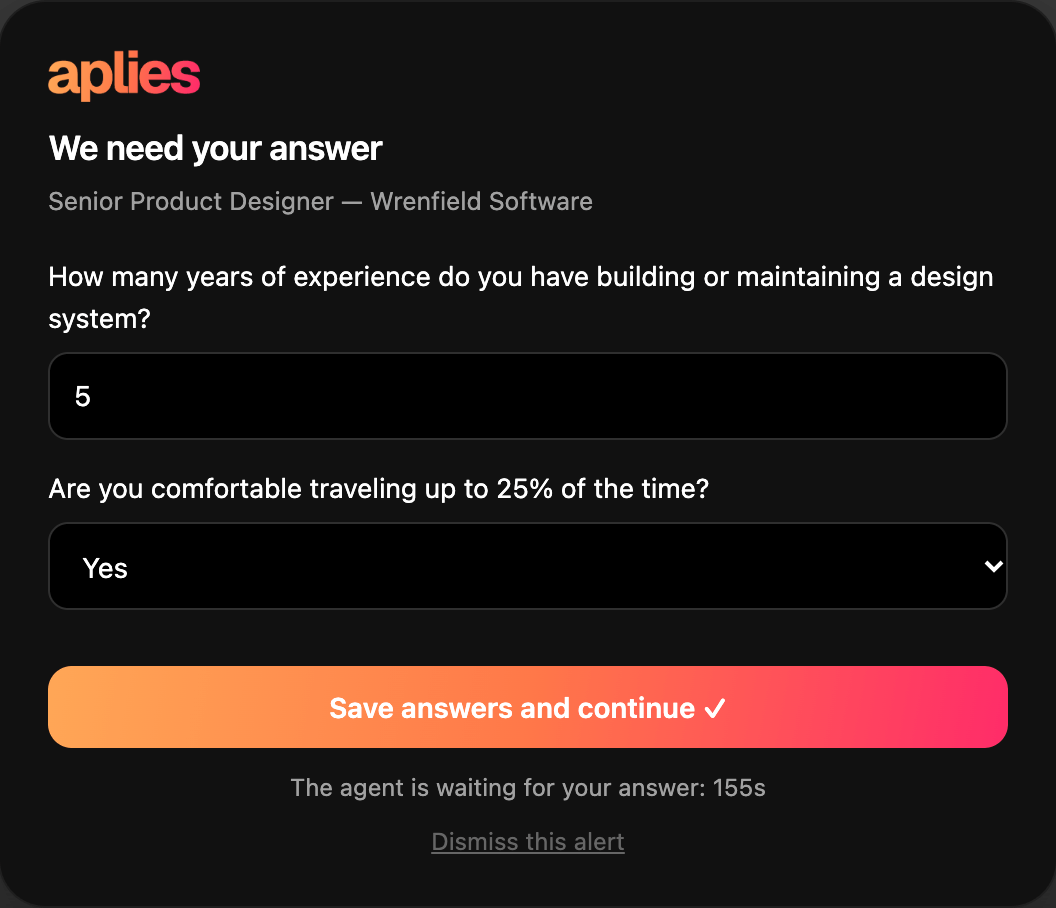
Every answer the AI writes carries a confidence score. At 80% or more, it fills the answer in. Below that, it asks you, with a chime, a Chrome notification, a count on its toolbar icon and a card on the page. On a company site, it asks only about required questions. A required LinkedIn box still empty at submit can get a plain default such as “1”.
You have up to three minutes, less if you're away from the computer. If no answer comes, ordinary questions go out with the Agent's own best answer. If a personal fact or a required answer is still missing, that job is dropped, not submitted and not charged, and tried again on a later run.
Every answer you type is saved and used the next time a form asks the same question, on LinkedIn and on company sites.
Some facts it never makes up. They come from your setup, or it asks you:
What it costs
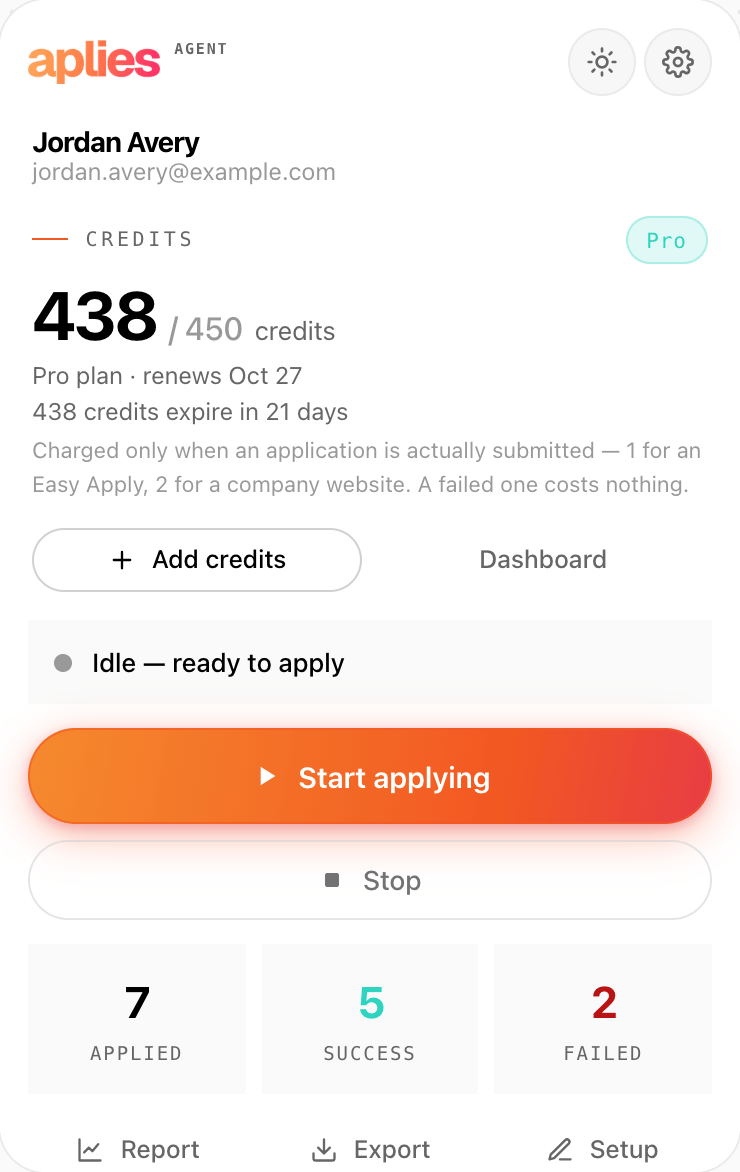
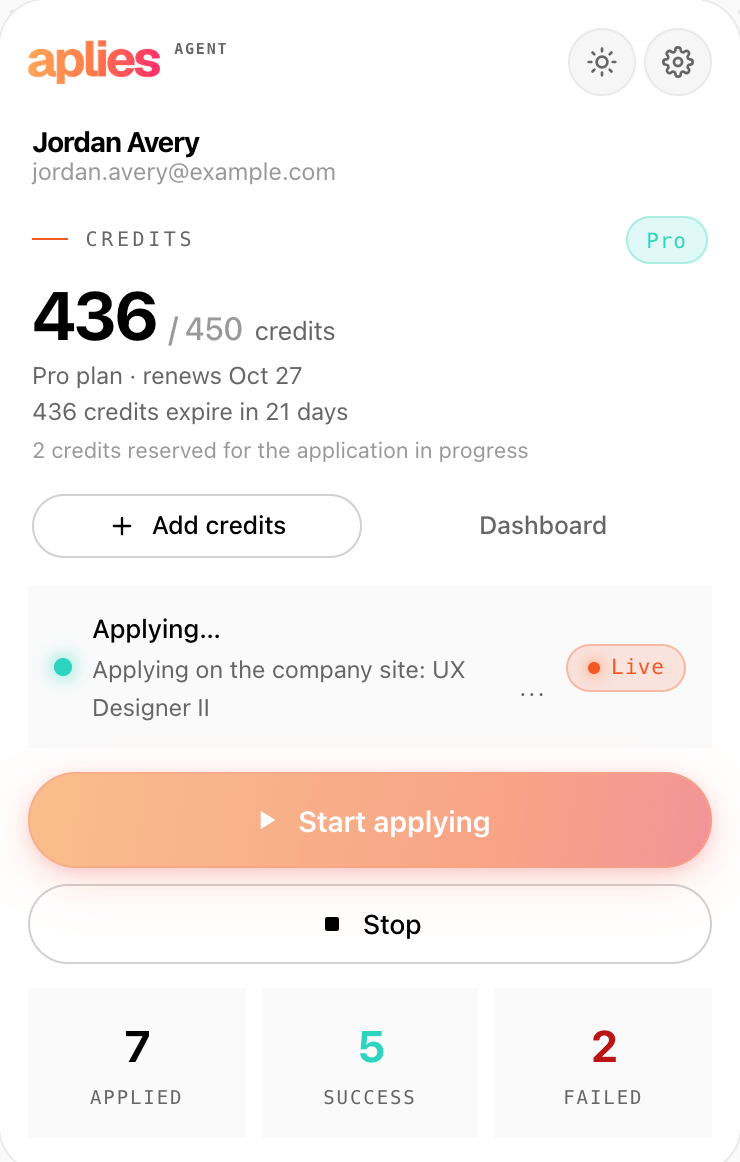
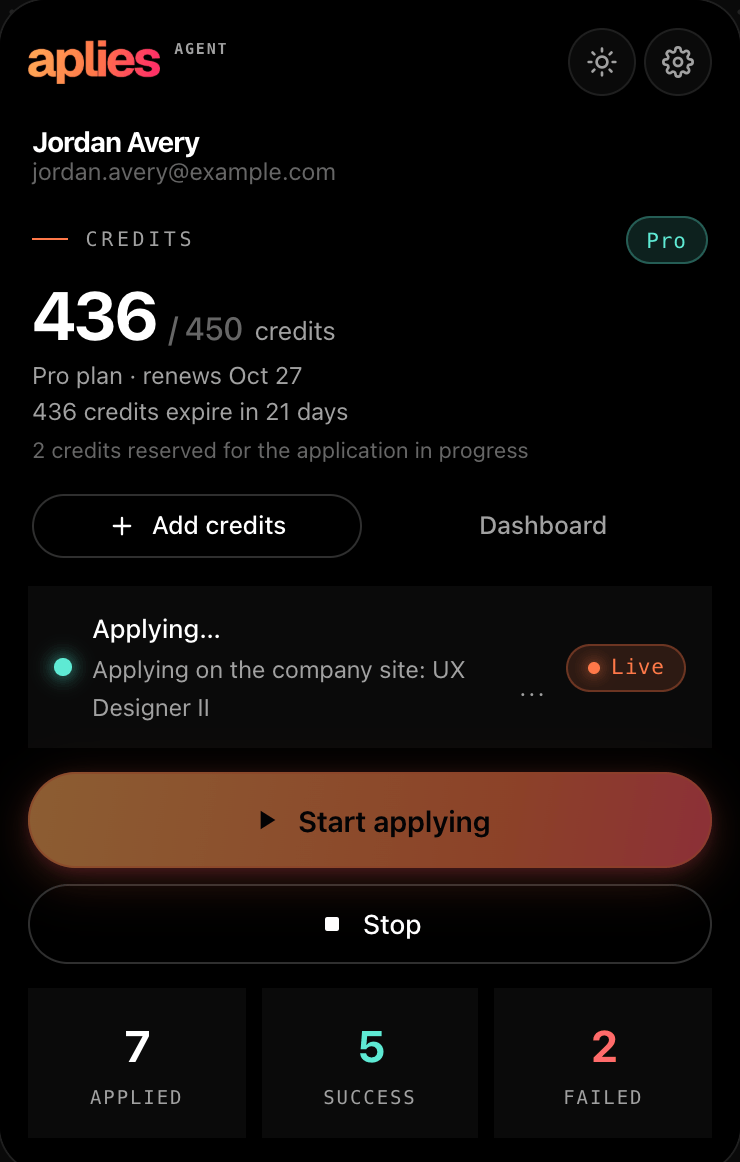
A credit is reserved just before the Agent presses Submit, and charged when the application goes through. Anything that stops before that point costs nothing, however often it happens: a security check, a sign-in wall, a form it couldn't finish, running out of credits.
A submission that fails with a reason isn't charged either. If no result comes back after it submits (say, Chrome was closed), it is charged and marked unconfirmed for support to review.
Company career sites
Many LinkedIn jobs continue on the employer's own careers page. Applying there is off by default: choose “LinkedIn + company websites” in setup, or turn on “Apply on company websites” in Settings later. Chrome asks once for access to sites.
When it's on, the Agent follows the job's Apply button to the careers page in a background tab, uploads your CV, fills up to 10 pages and submits. A cover letter you saved is attached when the form asks for one. Greenhouse, Lever, Ashby, SmartRecruiters and Workday are supported by name; every other careers site goes through a general engine.
It never creates an account or types a password on a company site. At a sign-in wall, which most Workday jobs have, it stops, leaves the tab open for you and tells you. A security check skips that one job, at no charge, and the run goes on.
Account safety
It never asks for or stores your LinkedIn password; it works inside the LinkedIn session you're already signed into. It never solves a security check. On LinkedIn, a CAPTCHA, an account warning or a sign-in check ends the run until you press Start; after its Easy Apply limit, a schedule waits a day.
It stays under an hourly limit you set and a daily ceiling it never passes, both counted on a rolling clock rather than reset at midnight. It works at a human pace, typing character by character, takes short breaks and ends long sessions on its own, in one LinkedIn tab in the background.
On a schedule
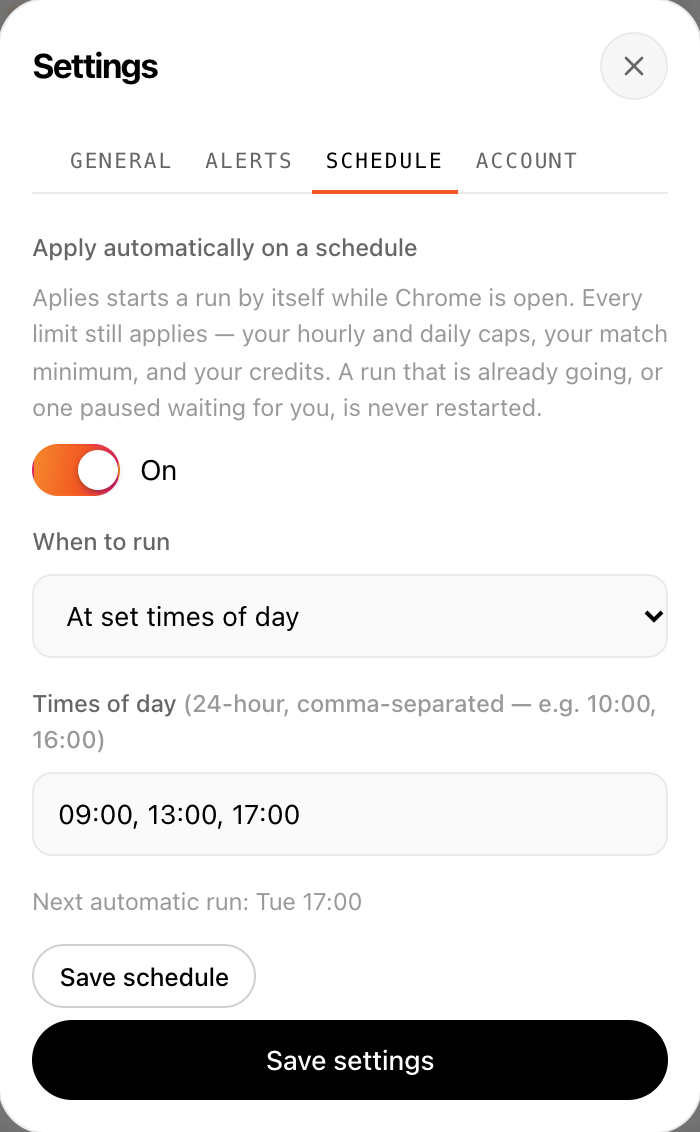
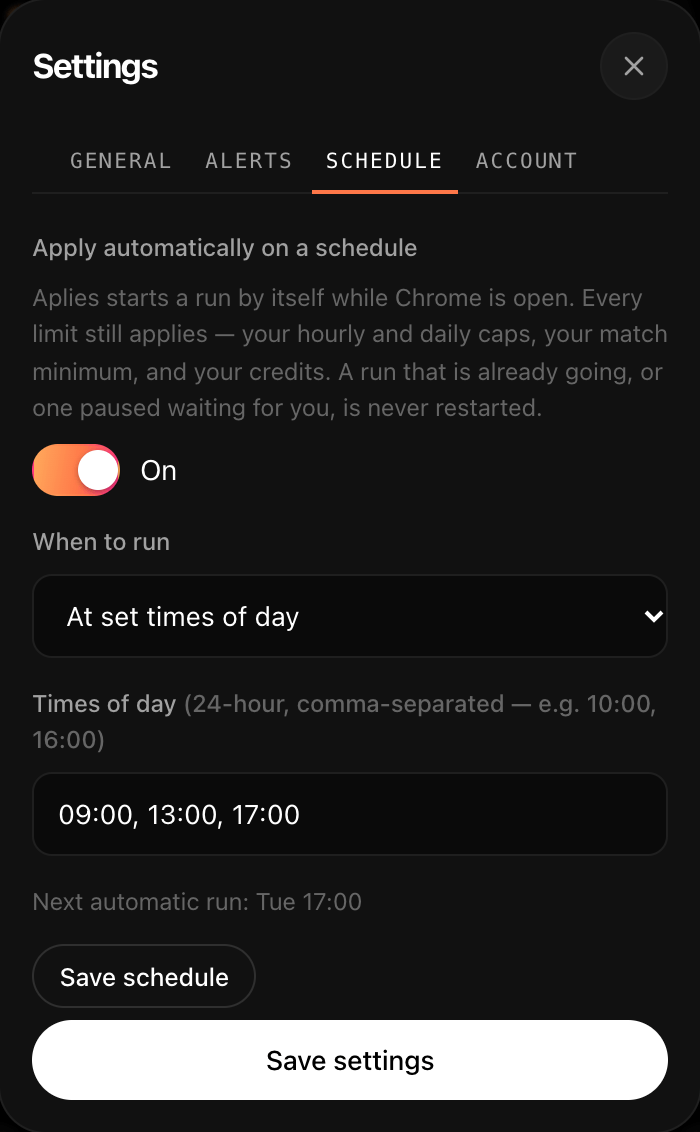
In Settings → Schedule, choose “Every few hours” (every 1 to 24 hours) or “At set times of day”. It stays off until you turn it on.
Scheduled runs happen only while Chrome is open; nothing runs while it's closed. The schedule doesn't start a run while the last one is waiting for you, at a sign-in, a security check or a LinkedIn warning, and it holds once the daily limit is reached. Every limit and credit rule still applies.
Your data
Your CV file is never uploaded to Aplies. It is kept in the Agent on your computer and goes only to the employer forms that ask for it.
The text is pulled out of the file on your computer, then sent to Aplies' AI service to pick out your details. You review what it read before it applies.
Your profile details and saved answers are backed up to your account, encrypted at rest. Clear your history, your saved answers or everything from Settings → Account.
The Application Report keeps every application, failures included, with each question and the answer given. Export it as a CSV; your dashboard on aplies.com shows what each application was charged.
Pricing
10 free credits when you verify your phone, no card required. Every plan runs the same Agent with the same limits; plans differ in credits and how long they last.
50 credits per month
200 credits per month
450 credits per month
700 credits per month
1,000 credits per month
*90% of your remaining credits carry over to the next period. T&C apply.
Taxes may be applied.
Who it's for
Yes. After a short final-review pause it submits on its own; there is no approval step. It stops to ask when it isn't sure of an answer, and you can press Stop at any time.
It searches LinkedIn and applies through Easy Apply. If you turn company sites on, it also applies on employers' careers pages: Greenhouse, Lever, Ashby, SmartRecruiters and Workday by name, and any other careers site through a general engine.
Only for applications it submits. Anything that stops before submitting costs nothing, and a submission that fails with a reason isn't charged. If no result ever comes back after it submits, it is charged and marked, so support can review it.
The file isn't. Its text is pulled out on your computer and sent to Aplies' AI service to pick out your details; you review what it read before it applies. The file goes only to the employer forms that ask for it.
Chrome on a desktop or laptop, signed in to LinkedIn, and an Aplies account with credits. Add the Agent from the Chrome Web Store through aplies.com/install, connect your account in the Agent and follow its setup.
Create your account, add the Agent to Chrome and give it your CV. Verify your phone to unlock 10 free credits, no card needed. You pay only for applications the Agent submits.