For international applicants

Applying abroad,
from one setup.

Aplies is a Chrome extension that applies to LinkedIn jobs for you. List places in the countries you'd work in and give it your salary in US dollars, plus your own figures in other currencies if you'd rather answer in them. It fills each application from your setup and asks you when a work-authorization question isn't clear.

5 free credits to start · No card · Desktop Chrome

Who it's for

Is this your search?

You're applying for roles in a country you don't live in yet, or in several. Most forms want your phone number with a country code, a salary in their own currency, and an answer about whether you can work there.

Getting those right by hand, form after form, is slow. The Agent answers them from one setup and shows you every answer afterwards.

How it fits

What the Agent does for a search across borders

Places in as many countries as you like

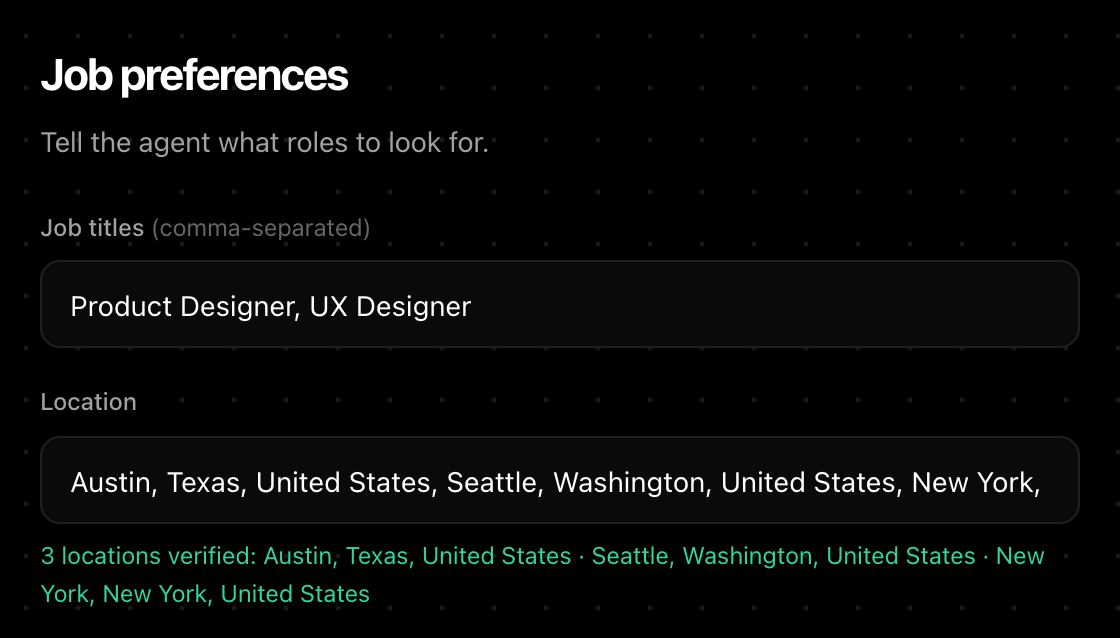
Enter places as a comma-separated list, in any countries you choose. Each place is checked when you press Next, and the Agent searches each of your job titles in each place, first to last, newest jobs first.

  • Choose On-site, Hybrid or Remote; all three are selected by default.
  • It searches LinkedIn only, so what it finds is what's posted there for each place.
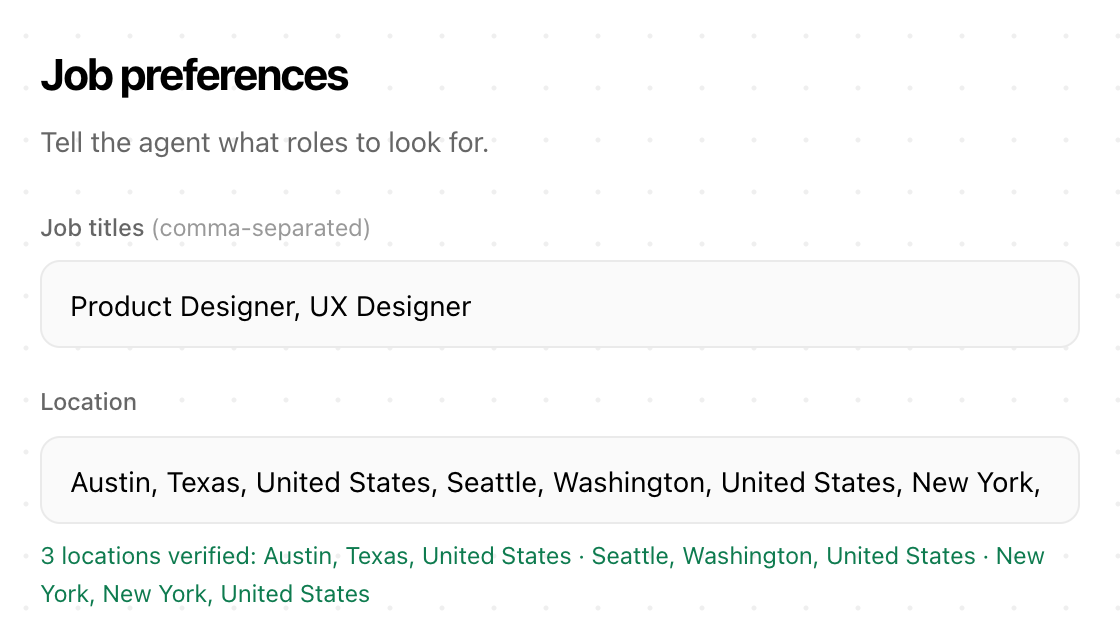
Aplies Agent setup, Job preferences: the job titles Product Designer and UX Designer, and three verified locations — Austin, Seattle and New York.
Setup, step 3: places, each verified when you press Next.

Salary in the job's currency

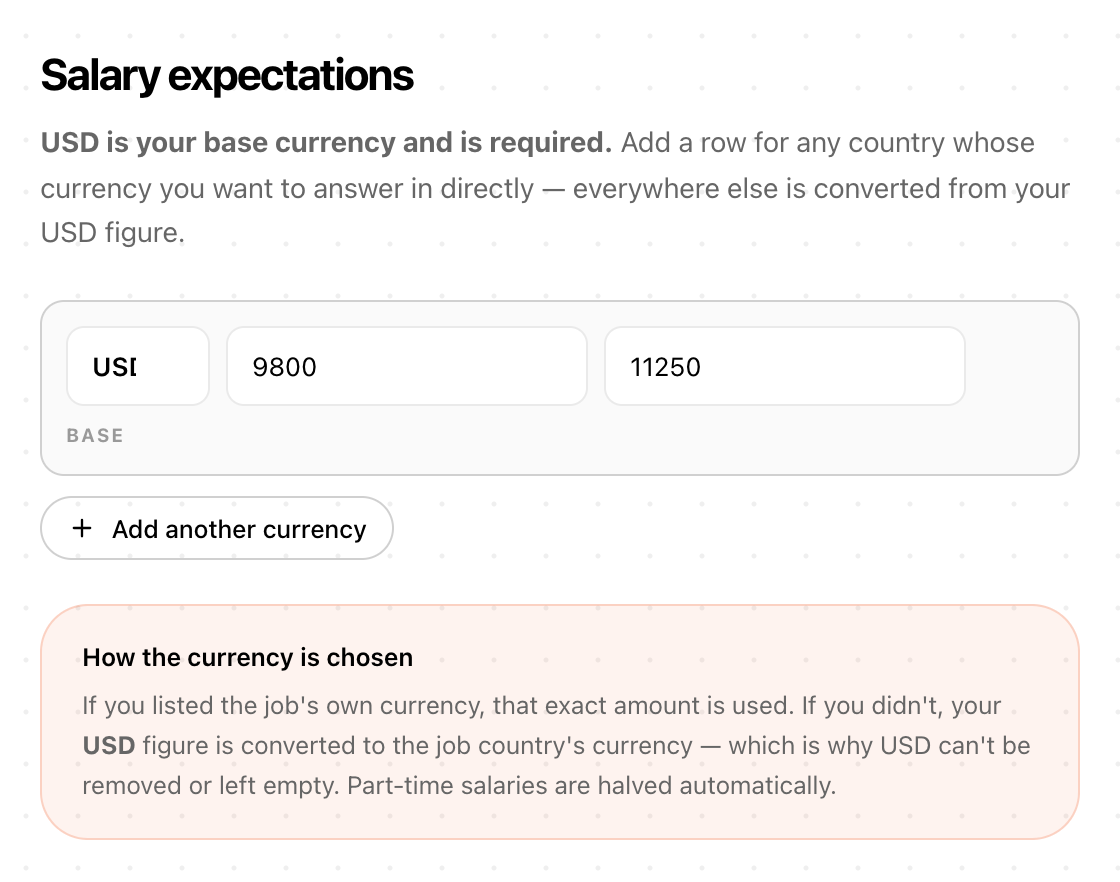
Enter your current and expected salary in US dollars: it's required, and it's the base. Add your own figures in other currencies if you'd rather answer in them directly. Otherwise the Agent converts from your US-dollar figure, using conversions built into the Agent.

  • Part-time roles are halved automatically.
  • Pay rates and unusual formats go to the AI with your figures, or come back to you.
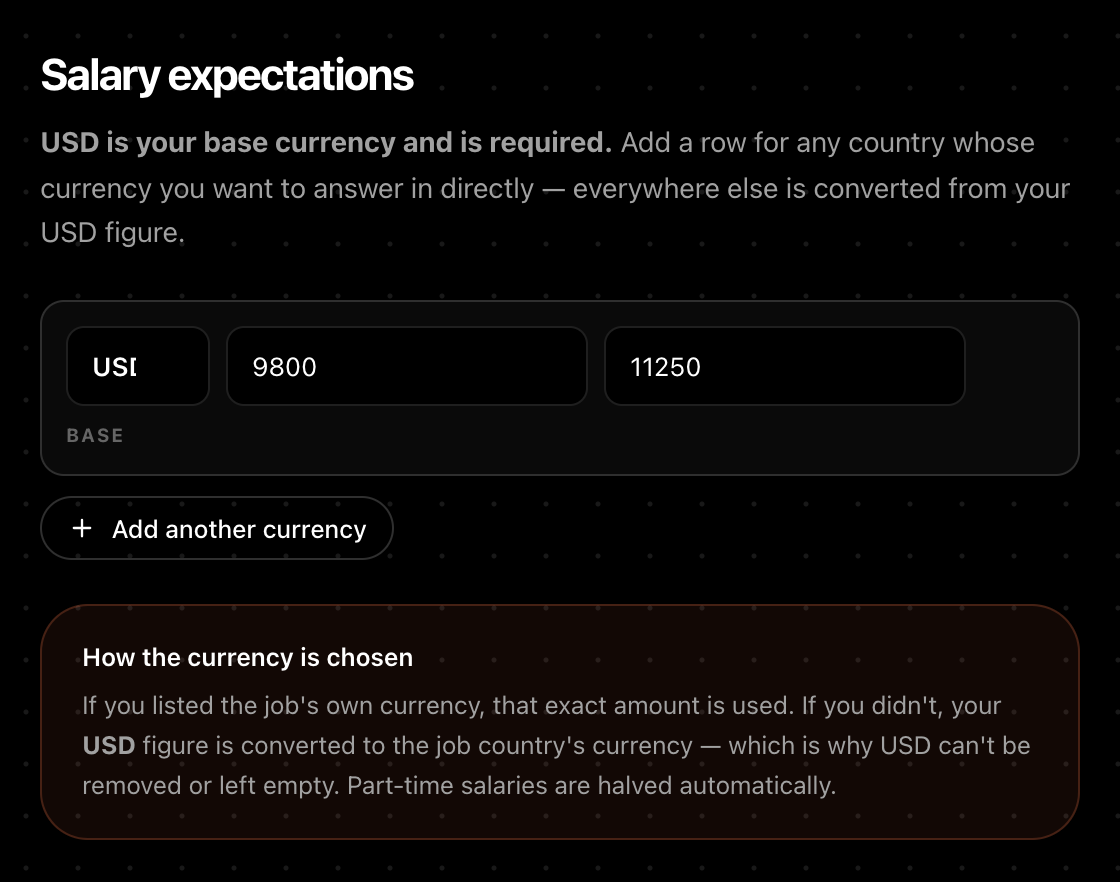
Aplies Agent setup, Salary expectations: the required US-dollar row with current and expected salary, an “Add another currency” button, and how the currency is chosen.
Setup, step 4: the US-dollar base, and “Add another currency” for the rest.

Work authorization, shown to you first

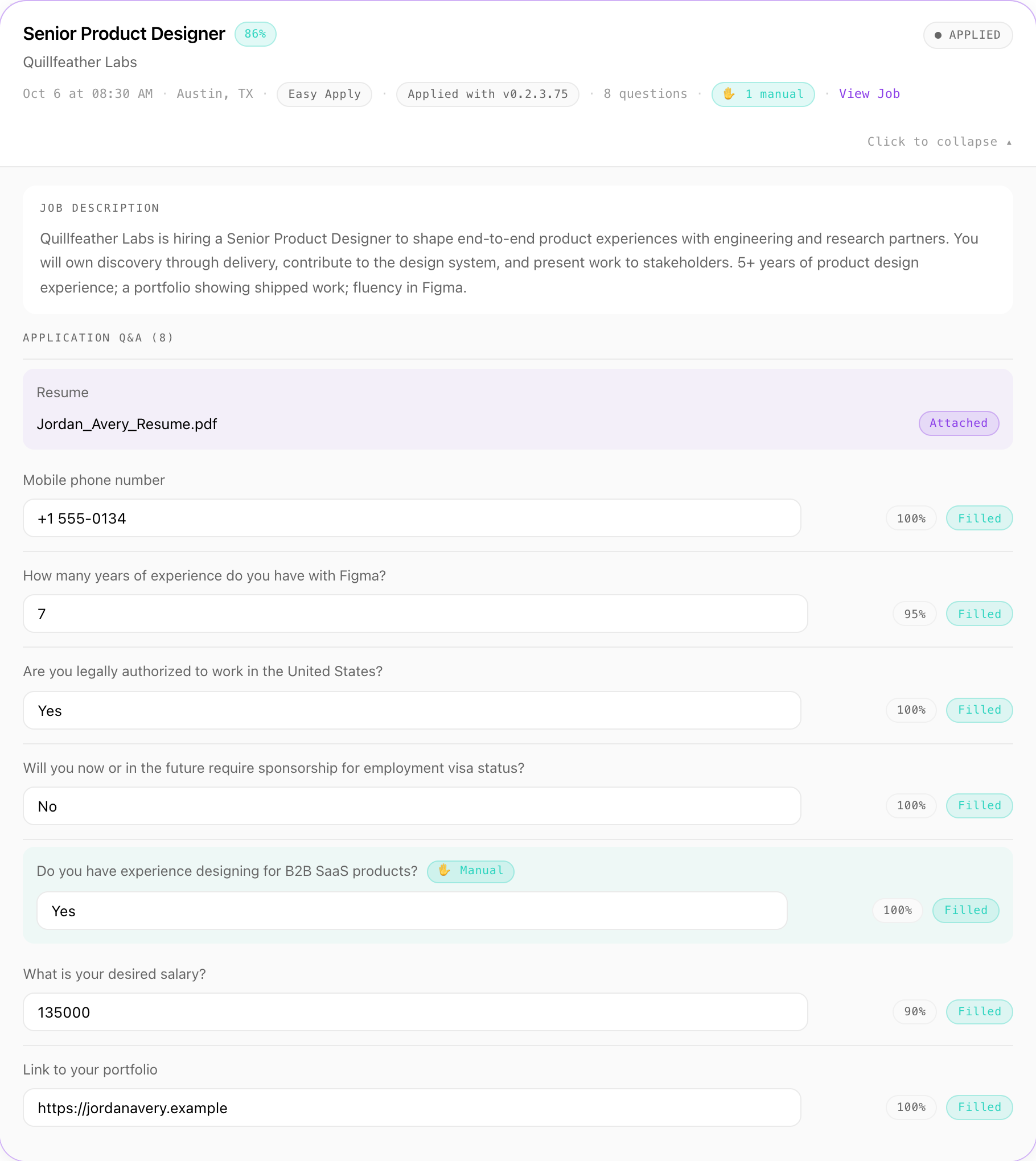
Questions about whether you can work in a country, or need sponsorship, are shown to you first, with an answer suggested from your nationality and where you live. If you don't answer in time, the suggestion is used only when the Agent is sure of it. Every answer is in the Application Report with how sure the Agent was; correct one there and it's used next time.

  • On LinkedIn Easy Apply forms, your phone number goes in international format, with the matching country code.
  • Date of birth, gender, nationality, phone and notice period are never made up. If one is needed and the Agent isn't sure, it asks you and waits for your answer rather than guess.
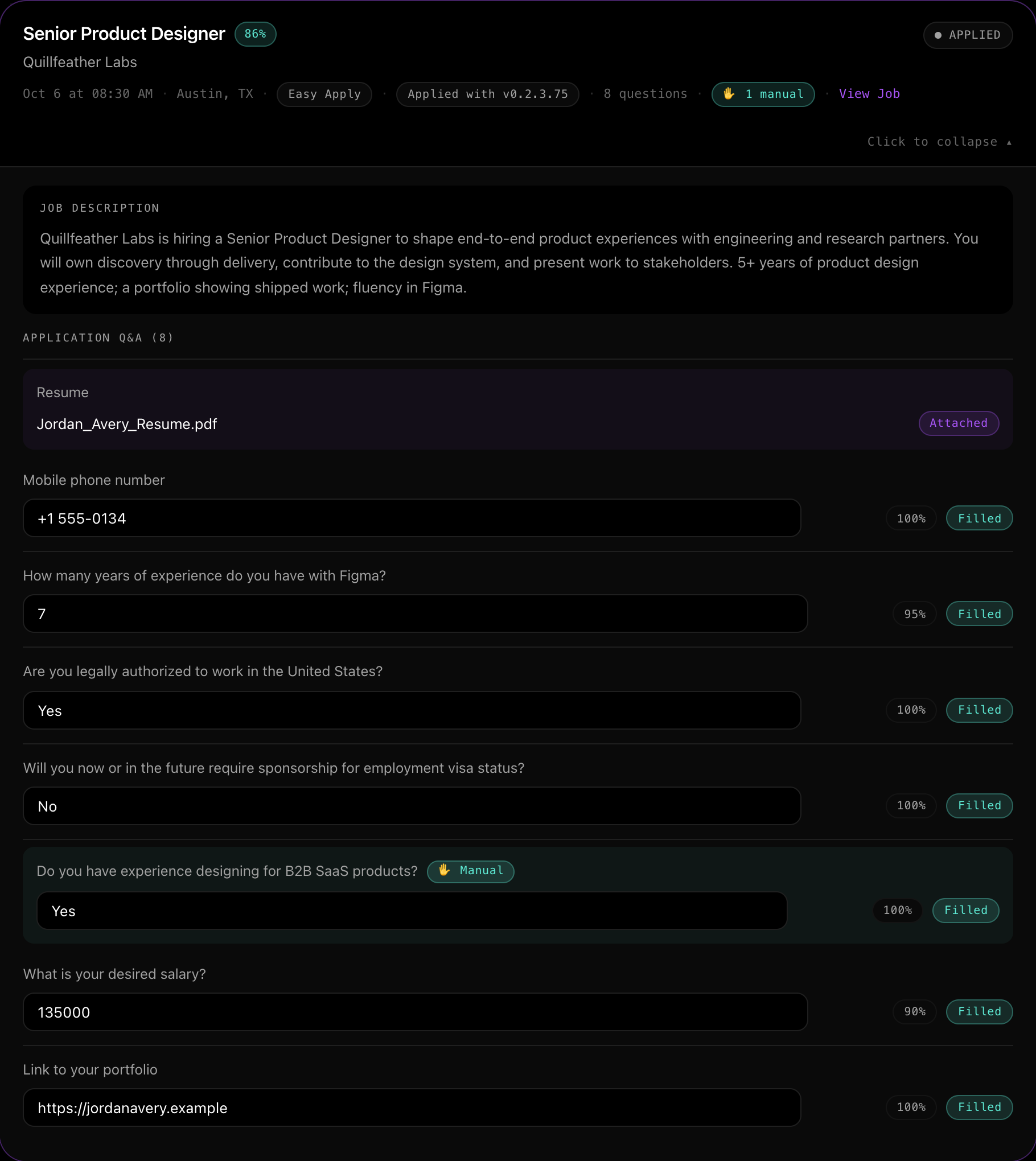
One application in the Aplies Agent's report — Senior Product Designer at Quillfeather Labs, through Easy Apply — with every question, the answer given and its confidence, including work authorization, sponsorship and salary.
Report: one application, every question and answer.
Settings

Which settings suit this search?

Each one is in the Agent's setup or its Settings, and you can change it later.

LocationSetup → Jobs
Places in each country you'd work in, separated by commas.Each place is checked when you press Next, then searched in turn, first to last.
Salary expectationsSetup → Salary
Your US-dollar figures, plus a row for each currency you want to answer in directly.Anything without its own row is converted from your US-dollar figure. The conversion is built into the Agent, so it's approximate.
PhoneSetup → CV
Your number with its country code.Setup requires a phone number, and it's the one forms receive.
Nationality and where you liveSetup → CV
As they are today.The answer suggested for work-authorization and sponsorship questions comes from these two.
Job typeSetup → Jobs
Remote only, if you aren't ready to move.Untick On-site and Hybrid. All three are selected by default.
Before you start

What should you know first?

English today

The site and the Agent are in English today. More languages are coming.

Conversions are approximate

The conversions are built into the Agent, not live. If a figure matters and the Agent lists that currency, add your own row for it.

Check your first answers

Every work-authorization question is shown to you first, with an answer suggested from your nationality and where you live. If you don't answer in time, the suggestion is used only when the Agent is sure of it. Read them in your first reports and correct any you'd answer differently.

It submits on its own

There's no approve step: after a short pause, it submits. The report shows exactly what was sent.

What it costs

What does it cost to try?

Nothing to start. Verify a phone number on WhatsApp or Telegram and your account unlocks 5 free credits, with no card. They last 30 days from unlocking, and one number unlocks free credits for one account.

1credit for an Easy Apply application
2credits for a company-site application

A credit is reserved just before the Agent submits and charged when the application goes through. If it stops before submitting, it costs nothing.

See plans and pricing
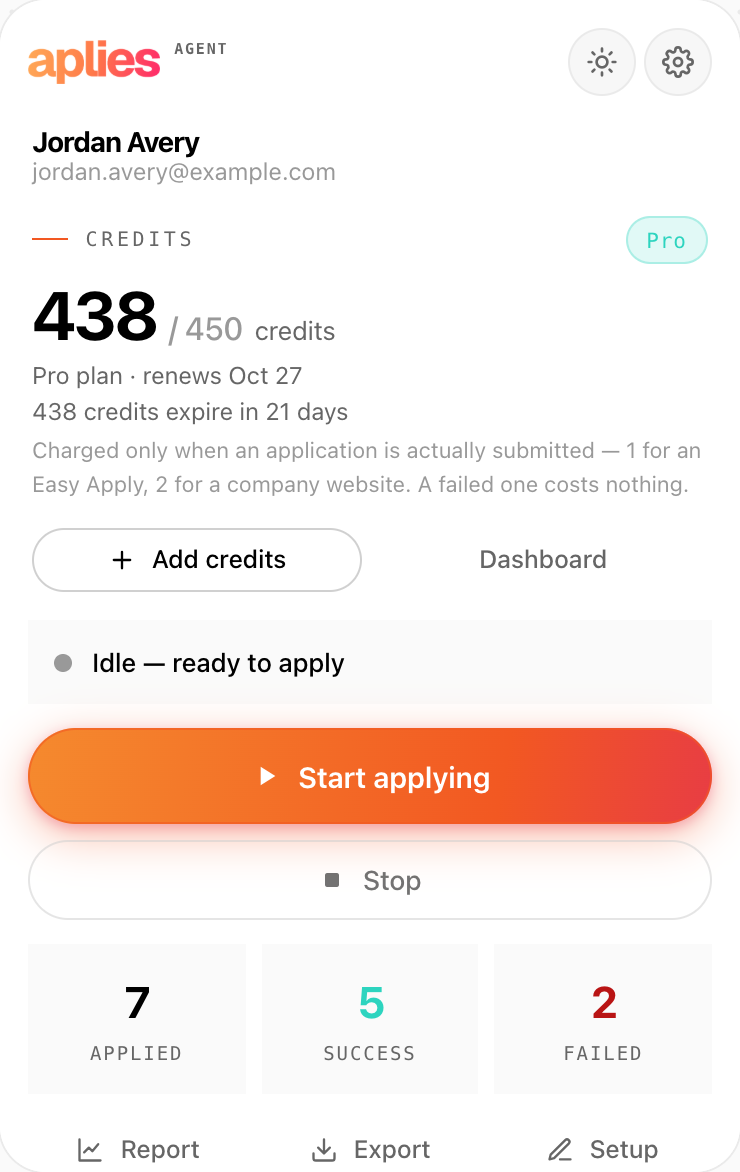
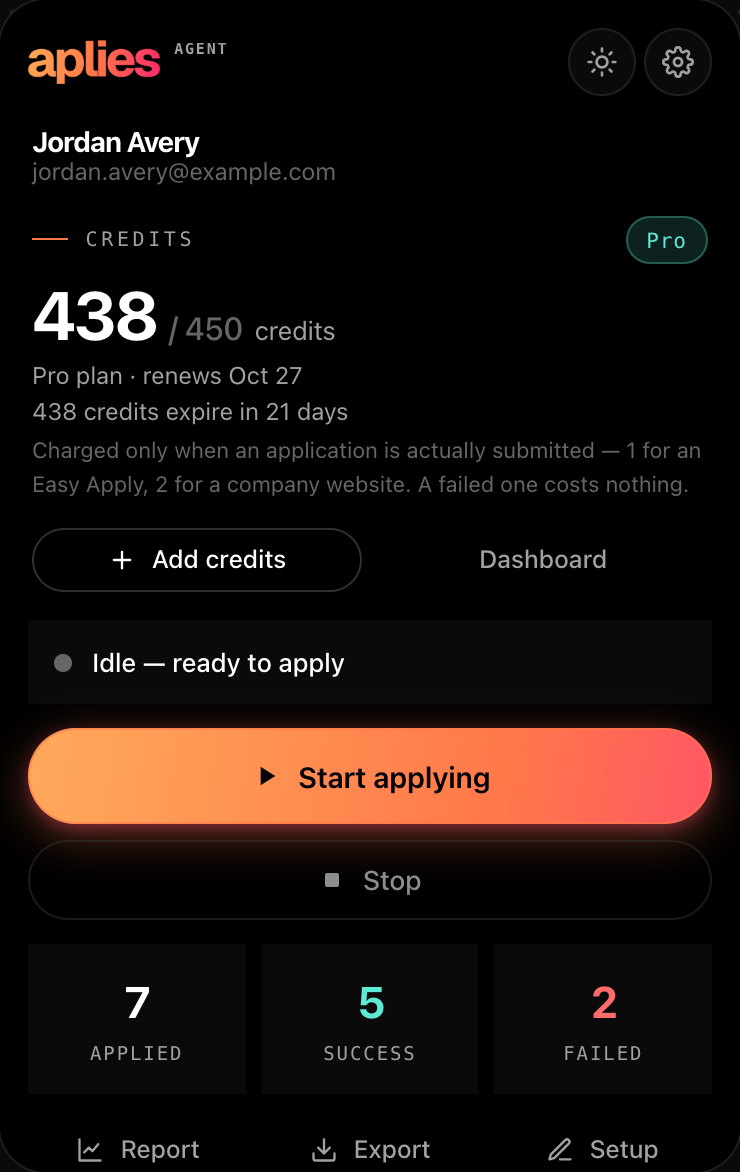
The Aplies Agent popup, connected and idle: the credit balance on the Pro plan, and the rule that a credit is charged only when an application is actually submitted.
The Agent's popup states the same rule.

One setup. Every place you list.

Add the Agent to Chrome, list your places and give it your salary. You pay only for the applications it submits.