Manifesto

Applies for you.
Knows when to stop.

Aplies is a Chrome extension that applies to jobs for you: on LinkedIn Easy Apply, and on company career sites when you switch them on. It works on its own, so the rules it keeps matter more than anything we could promise. These are the eight it keeps today.

Eight rules

What we keep, even when it costs us.

  1. Apply only where you asked, and only to jobs that fit.

    It searches LinkedIn for the job titles and places you entered, newest jobs first. Every job gets a match score out of 100, and only jobs at or above the minimum you set are opened. The rest are never opened and never cost anything. Company career sites stay off until you switch them on.
  2. When it isn't sure, ask.

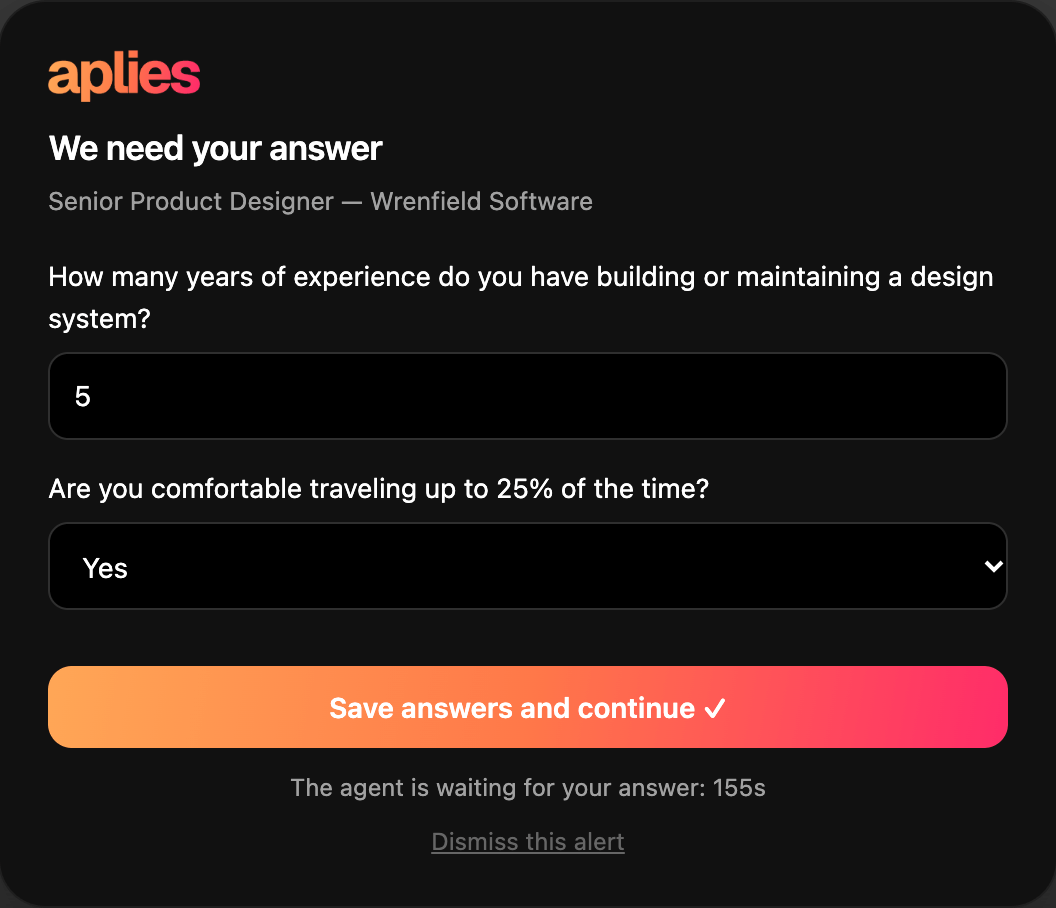
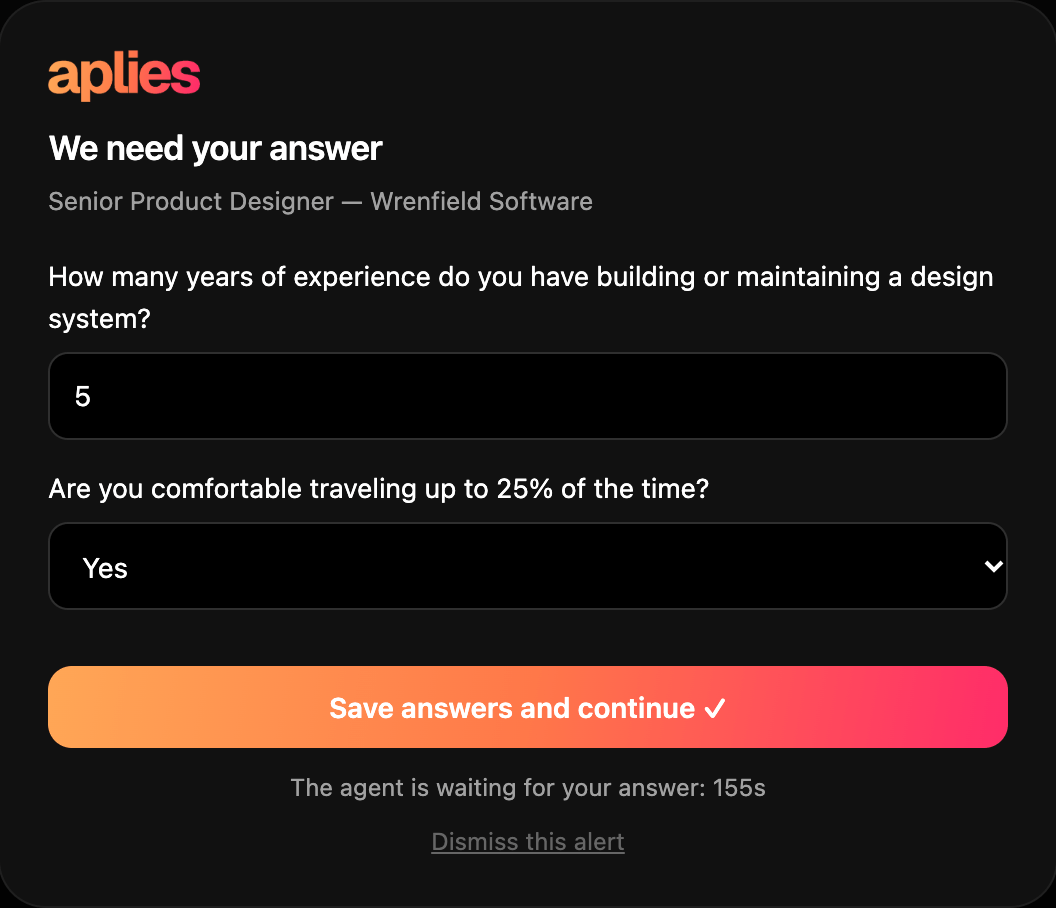
    Every AI answer carries a confidence; a required LinkedIn box still empty at submit can get a plain default such as “1”. Below 80%, it asks you — with a chime, a Chrome notification and a card on the page — and waits up to three minutes, or less if you are away. On a company site it asks only about required questions. If no answer comes, an ordinary question goes out with the Agent's own best answer; if a personal fact or a blank required answer is still open, that job is dropped, not charged, and tried again on a later run. Every answer you type is saved and used the next time a form asks the same question.

    The Agent's card on a LinkedIn page, titled “We need your answer”, with two questions for a Senior Product Designer role at Wrenfield Software, a “Save answers and continue” button and a countdown.
    The card the Agent puts on the page when it needs your answer.
  3. Never make up who you are.

    Your date of birth, gender, nationality, phone and notice period come from your setup. If a form needs one of these and the Agent isn't sure of it, it asks you, and if you don't answer, it drops that job rather than guess. Gender is never inferred from a name. Voluntary self-identification questions get the form's “decline to answer” option or are left blank. It only uses links that are in your CV or profile.

  4. Charge for what it submits, and nothing else.

    An Easy Apply application costs 1 credit and a company-site application costs 2 credits. The credit is reserved just before the Agent submits and charged when the application goes through. If it stops before submitting — a security check, a sign-in wall, a personal question nobody answered — it costs nothing, however often that happens. A submission that fails with a reason isn't charged either. If no result comes back after it submits (for example, the tab was closed mid-submit), it is charged and marked as unconfirmed, and support can review it.

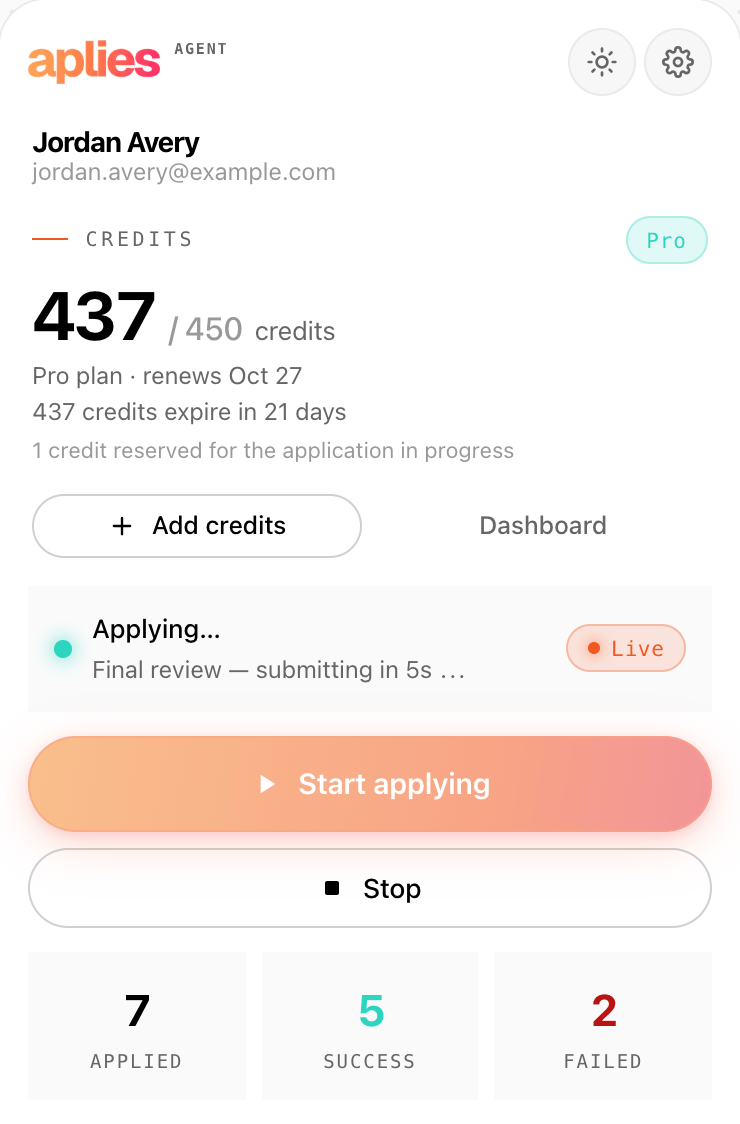
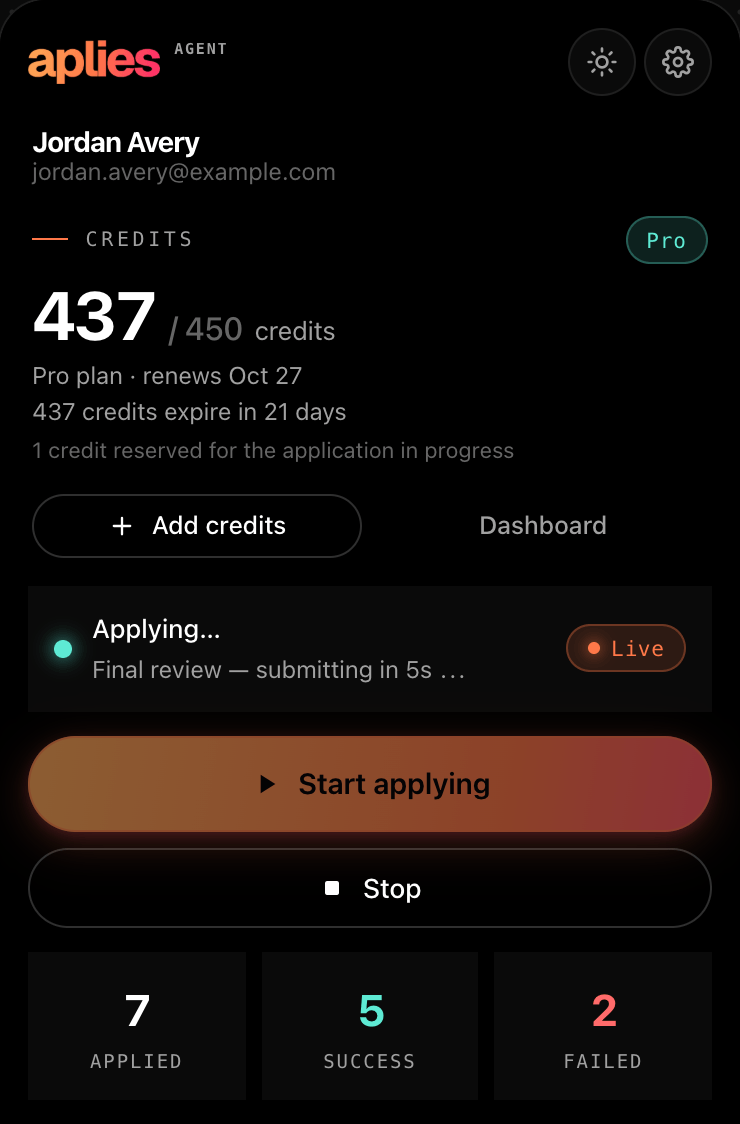
    The Agent's popup while an Easy Apply application is being submitted, showing the credit reserved for the application in progress.
    Just before it submits, the popup shows the credit reserved for that application.
  5. Never touch your passwords.

    It never asks for or stores your LinkedIn password; it works inside the LinkedIn session you are already signed into. On a company site it never creates an account and never types a password. At a sign-in wall it stops, leaves the tab open for you and tells you.

  6. Put your account before the application.

    It never solves a security check. On LinkedIn, a CAPTCHA or verification ends the run, and so does a LinkedIn warning — an account restriction, an unusual-activity notice, its Easy Apply limit, a sign-in or two-step check. The Agent then waits for you to press Start again. On a company site, a security check skips that one job, at no charge. It works at a human pace, takes short breaks, and stays under an hourly limit you set and a daily ceiling it never passes.

  7. Keep a record of everything.

    The Agent's Application Report keeps every attempt, failures included: the job, the company, every question and the answer it gave, how confident it was, and why a failed one stopped. You can correct an answer there, and the correction is used next time. Export it as CSV. Your dashboard on aplies.com lists your applications and the credits each one was charged.

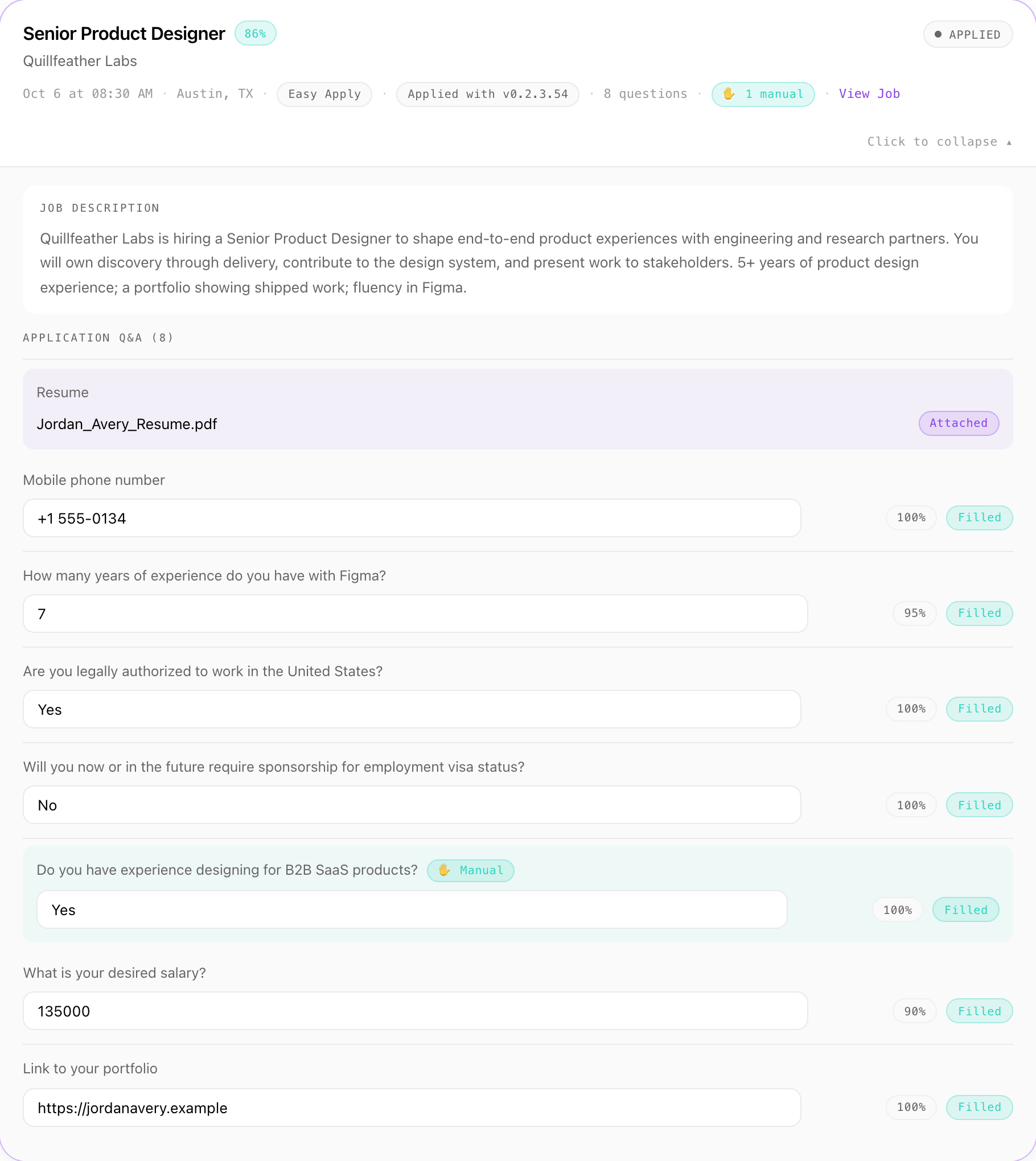
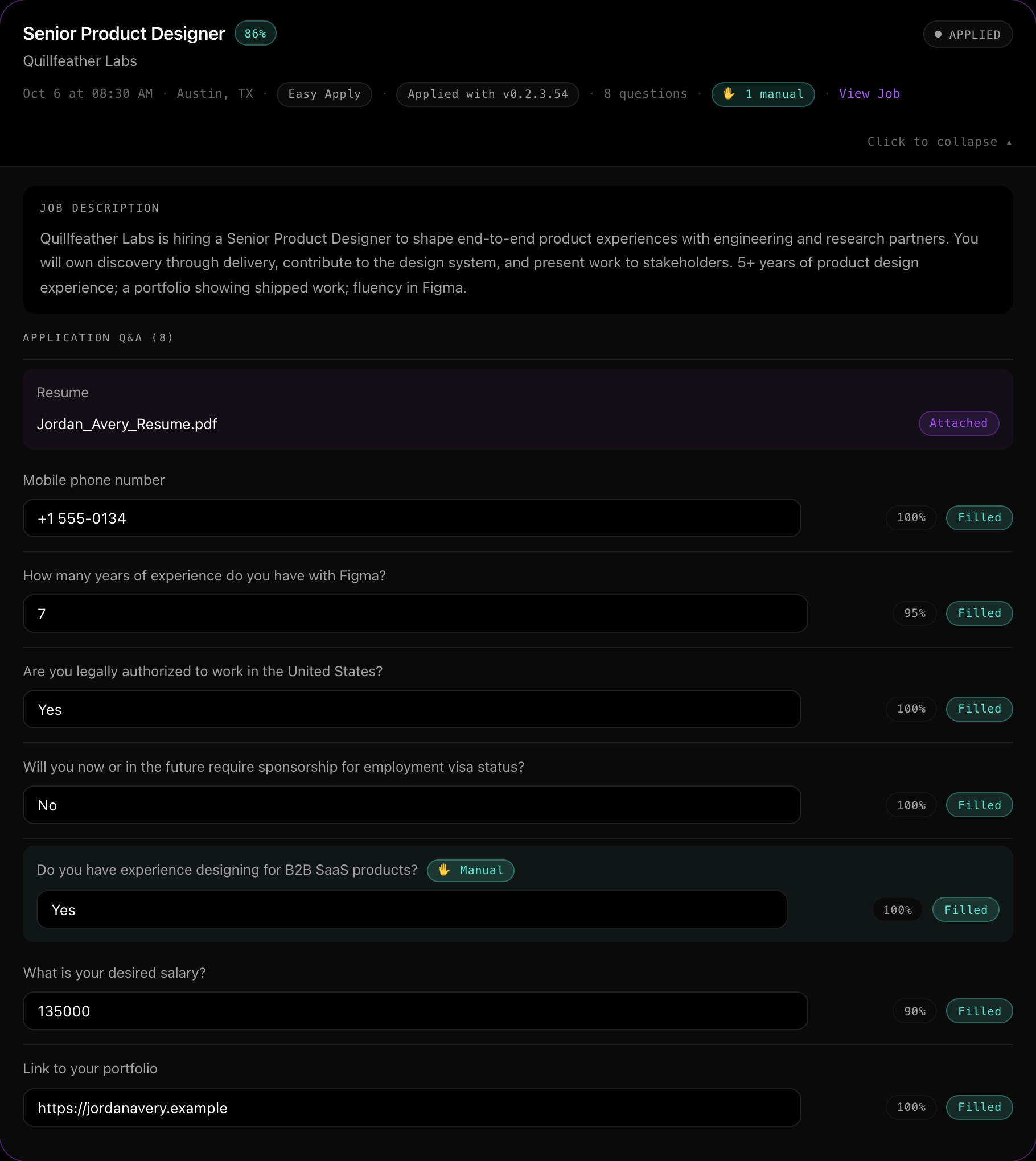
    One application in the Agent's Application Report: the job description, eight questions with the answer given and the confidence for each, and the CV marked as attached.
    One application in the report: every question, the answer given, and how sure the Agent was.
  8. Send your CV only where it is needed.

    Your CV file stays in the Agent on your computer and goes only to the employer forms that ask for it; it is never uploaded to Aplies. Its text is pulled out on your computer and sent to Aplies' AI service to pick out your details, which you check before it applies. Your profile details and saved answers are backed up, encrypted, to your account. You can clear your history, your saved answers or everything from the Agent's Settings → Account.

Why

Why it works this way

Why does it ask you at all?

Because some answers are yours to give. A form that asks for a pay rate, or a question your CV and setup don't answer, is asking about you, and the answer goes to an employer under your name. What the Agent can answer from your CV, your setup and your saved answers, it answers; when it isn't sure, it asks you, and it saves what you say for next time.

Why charge only for what it submits?

Because stopping is part of the job. A security check, a sign-in wall or an open personal question should end an application, and you shouldn't pay for that. So a credit is reserved just before the Agent submits, and anything that stops before that point costs nothing.

Why does it stop at a security check?

Because a security check is a site asking whether a person is there. Solving it to save one application would put your account at risk, so the Agent stops and leaves the next step to you.

— The Aplies team

See the rules at work.

Create an account, add the Agent to Chrome, and verify your phone to unlock free credits. No card needed.