Workday
Account wall
Most Workday sites ask for a candidate account before they show the form. The Agent never creates one: it stops, leaves the tab open and tells you.
Where it works
The Aplies Agent searches LinkedIn and applies through LinkedIn Easy Apply. Turn on company websites and it also follows a job's Apply button to the employer's own careers site and applies there. It searches no other job board.
At a glance
On LinkedIn Easy Apply from the start, and on company careers sites only if you turn them on. You pay only for applications it submits; if it stops before submitting, it costs nothing.
Press Start and the Agent opens its own LinkedIn tab in the background. You don't need to open LinkedIn first, but you need to be signed in to LinkedIn in that Chrome. It searches each job title, place by place, newest jobs first, and gives every job an AI match score out of 100. It opens only the jobs at or above your minimum.


Match scores on a job list. Jobs under your minimum are dimmed and never opened.
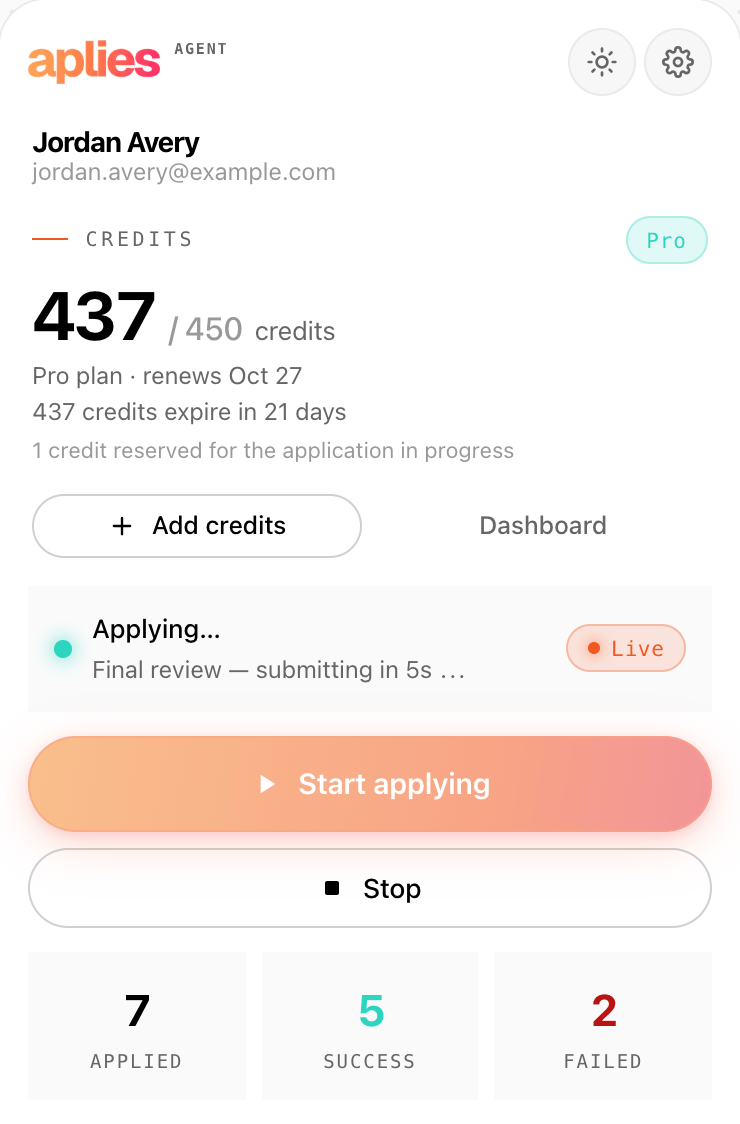
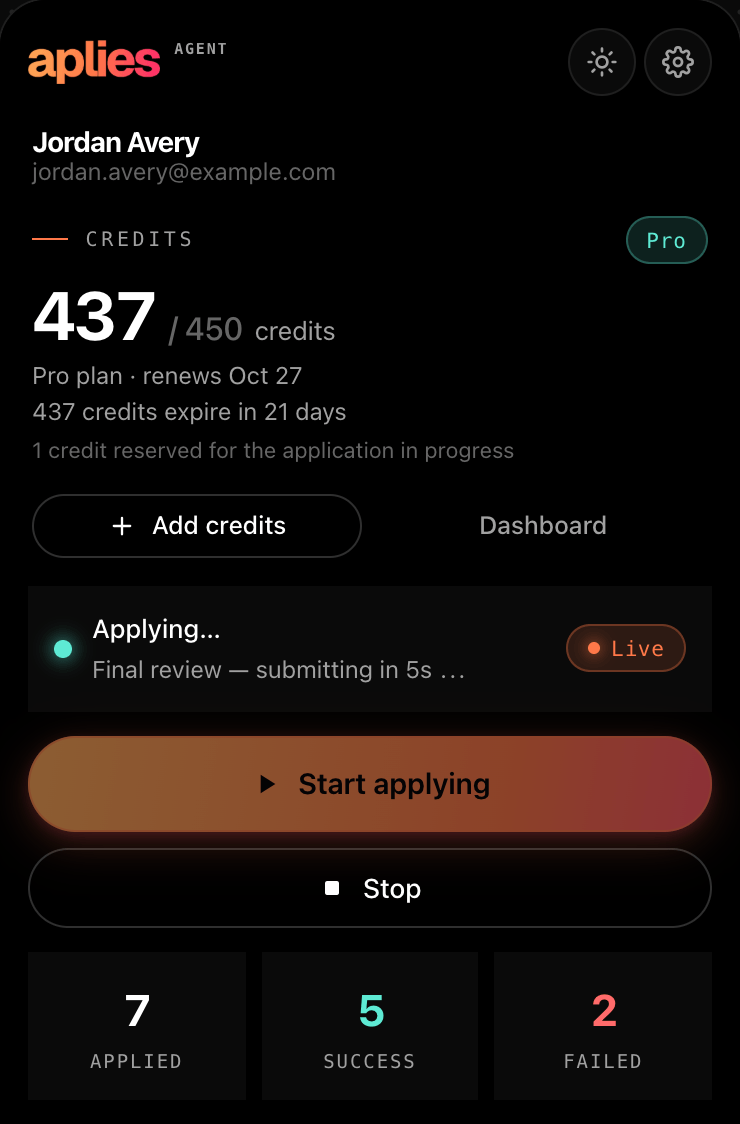
Final review: a credit is reserved just before the Agent submits.
Company careers sites
Only once you turn it on: applying on company websites is off by default. Choose “LinkedIn + company websites” in setup, or switch on “Apply on company websites” later in Settings → General. Chrome then asks you once for access to sites.
A company-site application costs 2 credits and an Easy Apply 1 credit, each charged only once it is submitted.
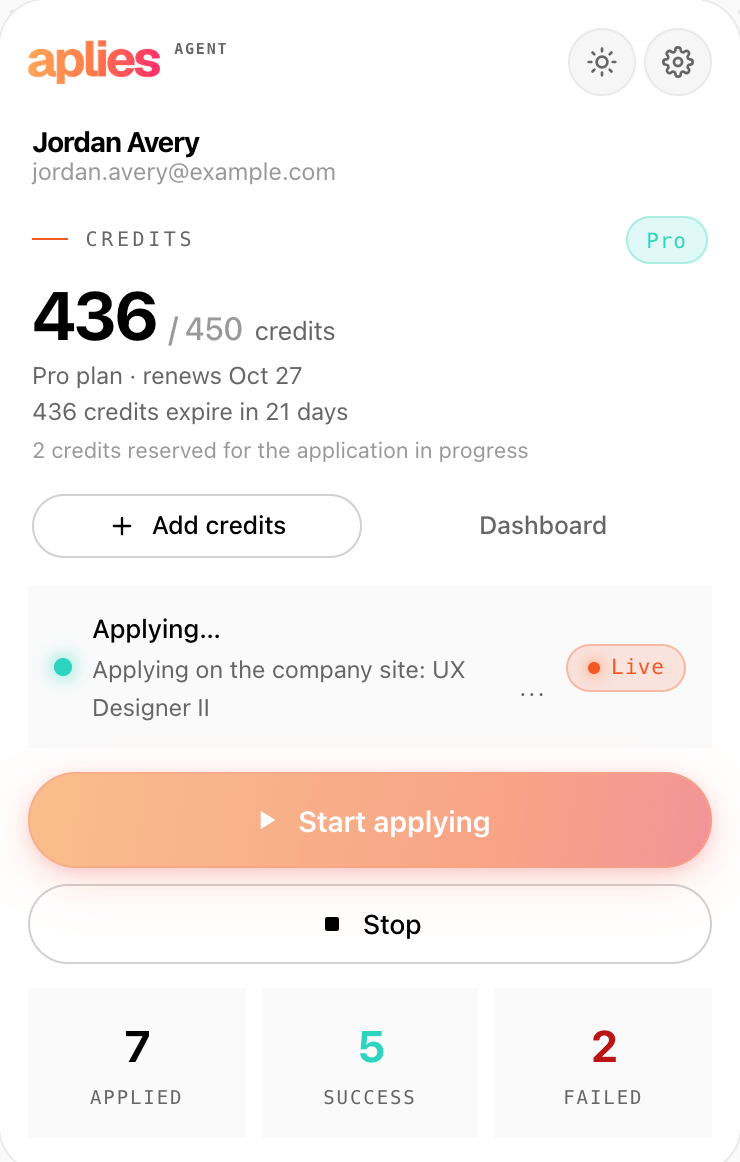
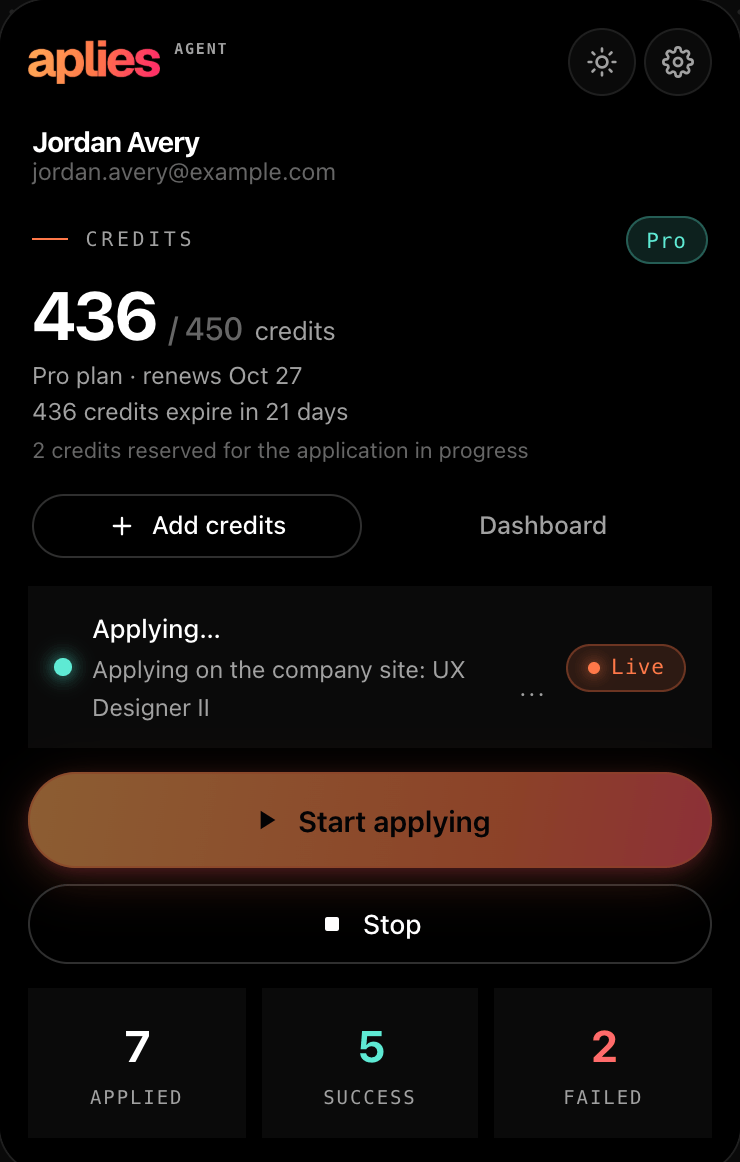
Applying on a company site, with 2 credits reserved for it.
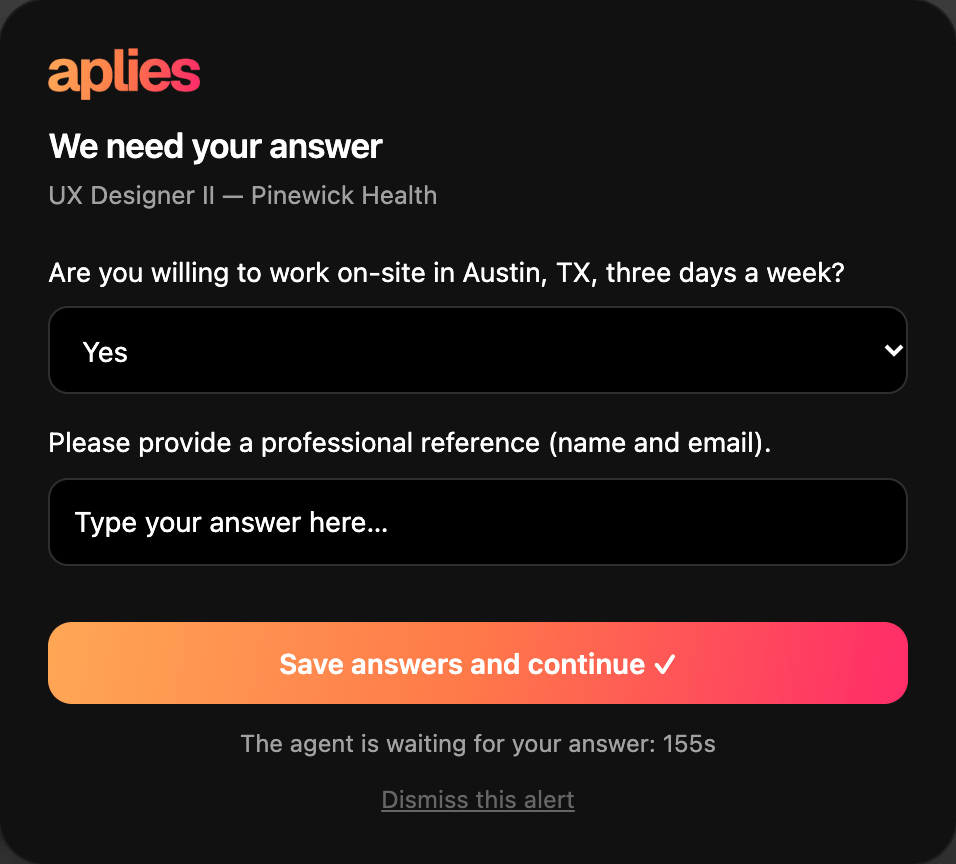
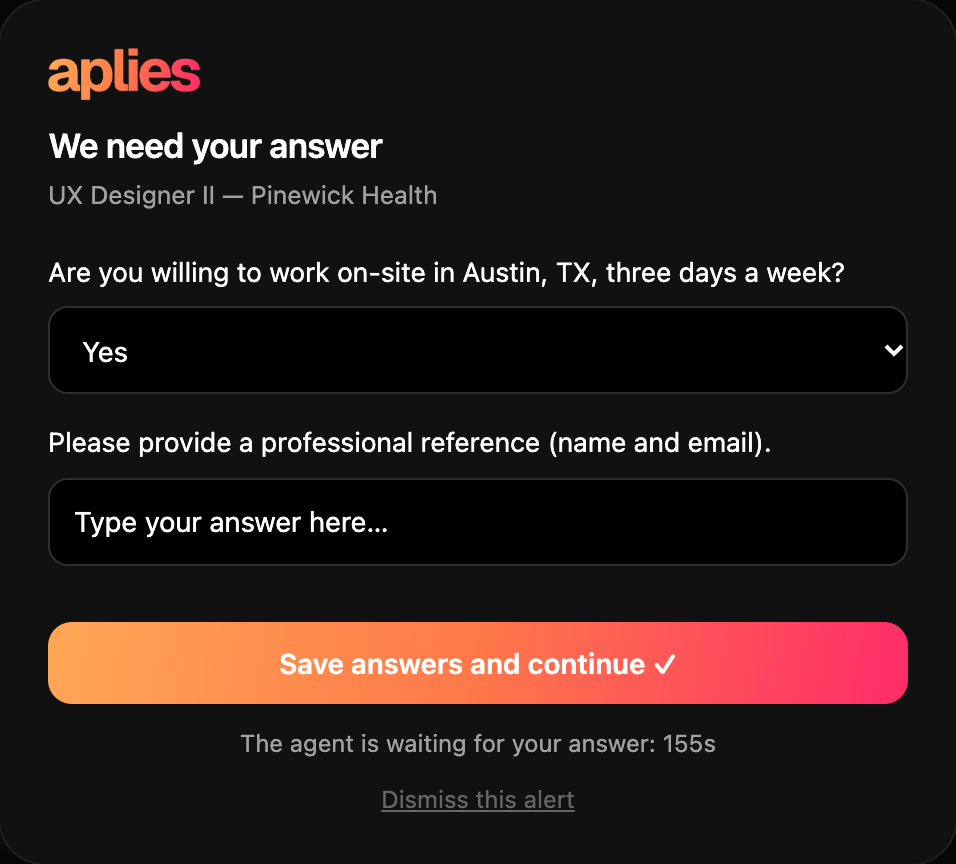
On a careers form, the Agent asks about the required questions it isn't sure of.
Careers sites
Five by name, and a general engine for every other site. Supported by name means the Agent has its own handling for that system's forms.
Supported by name
Supported by name
Supported by name
Supported by name
Account wall
Most Workday sites ask for a candidate account before they show the form. The Agent never creates one: it stops, leaves the tab open and tells you.
General engine
The Agent reads the page and finds the application form itself. It costs the same as a named site, and a site it can't read costs nothing.
On every site
The same rules hold on LinkedIn and on every careers site.
It never signs up for anything on an employer's site. At a sign-in or account wall it stops, leaves the tab open for you and tells you.
It never asks for or stores your LinkedIn password, and never types a password on a company site. It works inside the LinkedIn session you are already signed into.
On LinkedIn, a CAPTCHA or verification stops the run. On a company site, that one job is skipped, nothing is charged, and the run goes on.
If a careers page isn't secure (plain http), the Agent doesn't send your details to it.
It finds jobs on LinkedIn only. Careers sites are reached from a LinkedIn job's Apply button, never searched on their own.
Date of birth, gender, nationality, phone and notice period come from your setup. If a form needs one the Agent doesn't have, it asks you; if no answer comes, it drops that job rather than guess.
Found a careers site the Agent can't read? Send the job link to [email protected]
Add the Agent to Chrome, connect your account and press Start. Turn on company sites whenever you want them.