LazyApply may suit you if
You want a daily allowance of applications on the sites it names, Indeed, ZipRecruiter and Dice among them, and you are happy to pay for a year up front.
Cookie notice
Compare
LazyApply and Aplies are both Chrome extensions that fill in job applications and submit them for you. They differ in where they apply, in what each one says it does when it isn't sure of an answer or meets a security check, and in how you pay.
In short
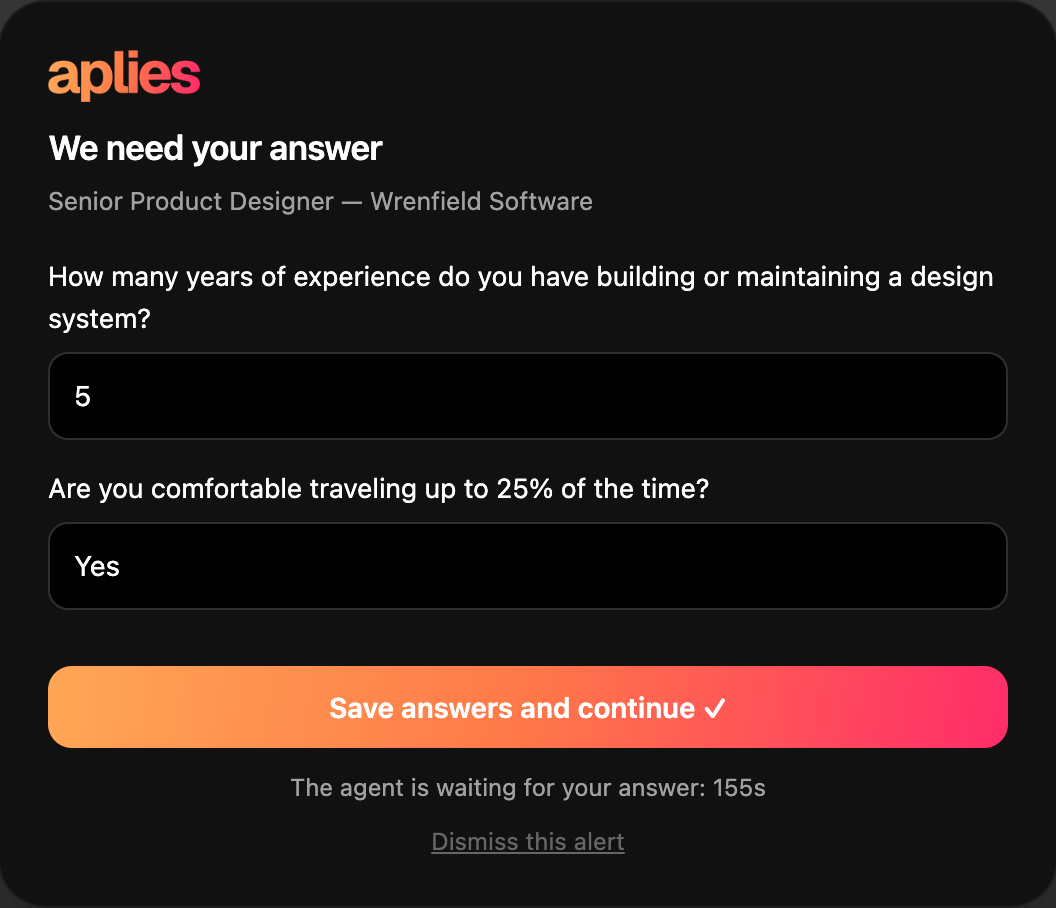
Both send the application themselves. LazyApply sells plans of 15, 150 or 1,500 applications a day, billed by the year. Aplies charges credits only for applications it submits, applies on LinkedIn and, if you turn them on, company career sites, and asks you about answers it is less than 80% sure of; if no reply comes in time, an ordinary question goes out with its best answer.
You want a daily allowance of applications on the sites it names, Indeed, ZipRecruiter and Dice among them, and you are happy to pay for a year up front.
You search on LinkedIn, want to pay only for applications that are submitted, and want to be asked when the Agent isn't sure, with a record of every question and answer afterwards.
Side by side
From each company's own pages, read on 10 October 2026. Every LazyApply fact links to the page it came from.
| Question | Aplies | LazyApply |
|---|---|---|
| Who presses Submit | Aplies The Agent. It fills in each form and submits it on its own after a short pause. There is no approve-before-submit step. | LazyApply LazyApply. Its home page says its agent “handles the entire application process”. |
| Where it applies | Aplies LinkedIn, through Easy Apply. Company career sites when you turn them on: Greenhouse, Lever, Ashby, SmartRecruiters and Workday by name, and a general engine for the rest. It never creates an account, so Workday usually stops at a sign-in it leaves to you. Supported sites | LazyApply Its pages name Greenhouse, Dice, Indeed, ZipRecruiter and LinkedIn, each time as examples (“platforms like…”). We found no complete list on its pages. |
| When it isn't sure of an answer | Aplies Below 80% confidence it asks you (on company sites, for required questions) and waits up to 3 minutes. With no answer, an ordinary question goes out with its own best answer; for a missing personal fact or a blank required answer, it keeps waiting for you. How it works | LazyApply Not described on the pages we read. |
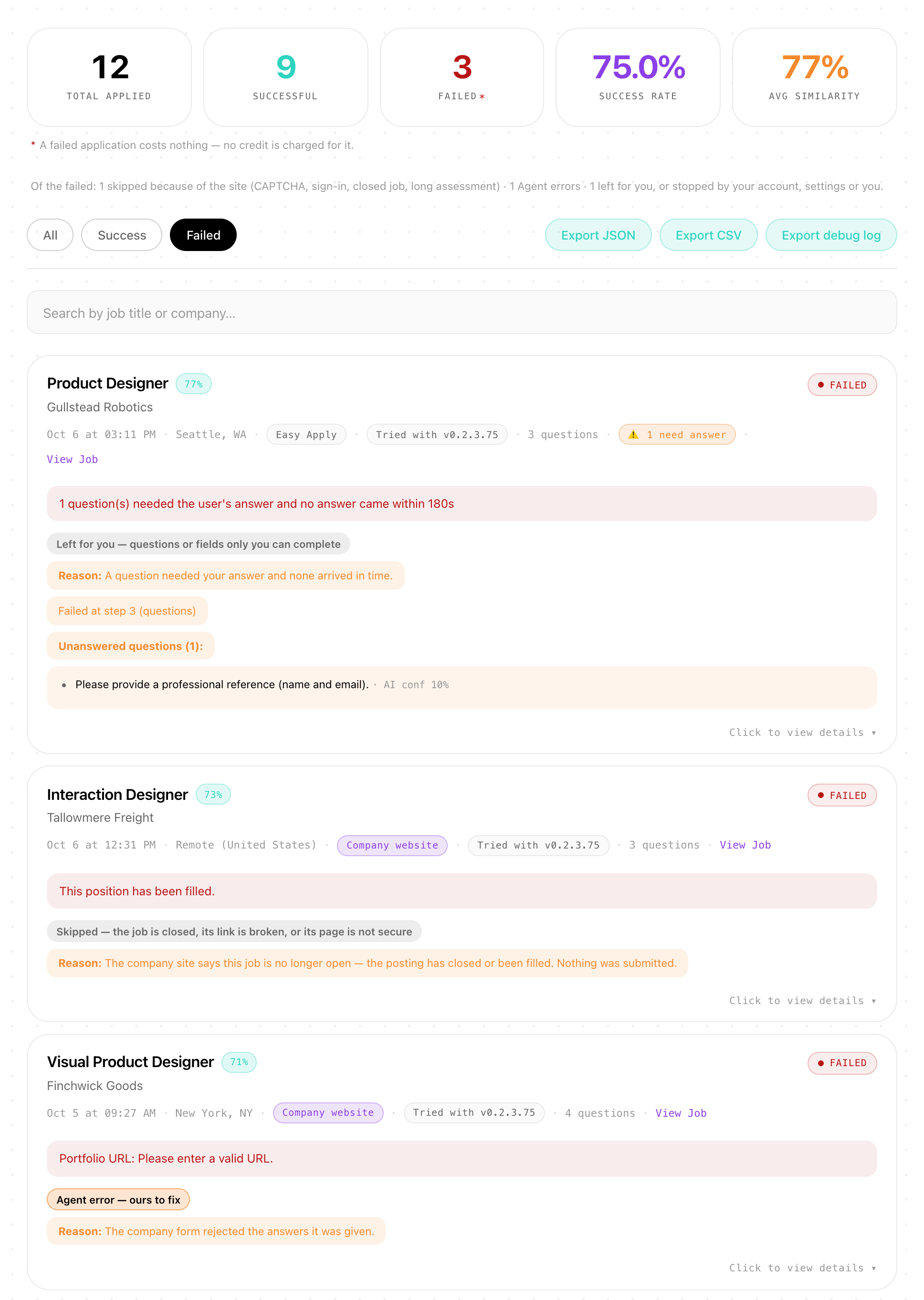
| What you pay for | Aplies Credits, only for applications it submits: 1 credit for an Easy Apply, 2 credits for a company-site application. If it stops before submitting, nothing is charged; a submission whose result never comes back is charged and marked unconfirmed for support to review. Plans run from 50 to 1,000 credits a month. Pricing | LazyApply A yearly plan with a daily limit: Basic for 15 applications a day, Premium for 150, Ultimate for 1,500. Billed annually. |
| Starting free | Aplies 5 free credits when you verify a phone number on WhatsApp or Telegram. No card. They last 30 days. | LazyApply No free trial, its FAQ says. It advertises a 30-day money-back guarantee; its refund policy limits that to a first subscription, fewer than 100 applications, and a product that doesn't work as advertised. |
| Where it runs | Aplies A Chrome extension for desktop Chrome, from the Chrome Web Store, used with an Aplies account on aplies.com. In English today; more languages are coming. | LazyApply A Chrome extension. Its download page says it doesn't work on mobile devices. A Gmail address is required for the plan. |
| Account safety | Aplies It never asks for your LinkedIn password and never solves a security check. A security check waits for you to solve it, on LinkedIn and on company sites; a LinkedIn warning ends the run until you press Start again. It keeps a human pace, under an hourly limit you set and a daily ceiling. | LazyApply Its home page says its scripts mean your profiles “will never get blocked by platforms”. That is LazyApply's own claim; we have not tested it. |
| What it says about your data | Aplies Your CV file is never uploaded to Aplies; it goes only to the employer forms that ask for it. Its text is sent to Aplies' AI service to read your details. Your profile and saved answers are backed up encrypted to your account. In the Agent's Settings → Account you can clear your history, your saved answers or everything. Security | LazyApply Its privacy policy, last updated January 2024, says it may share information with third parties such as advertisers and marketing partners, and that it does not sell users' personal information. |
The Agent
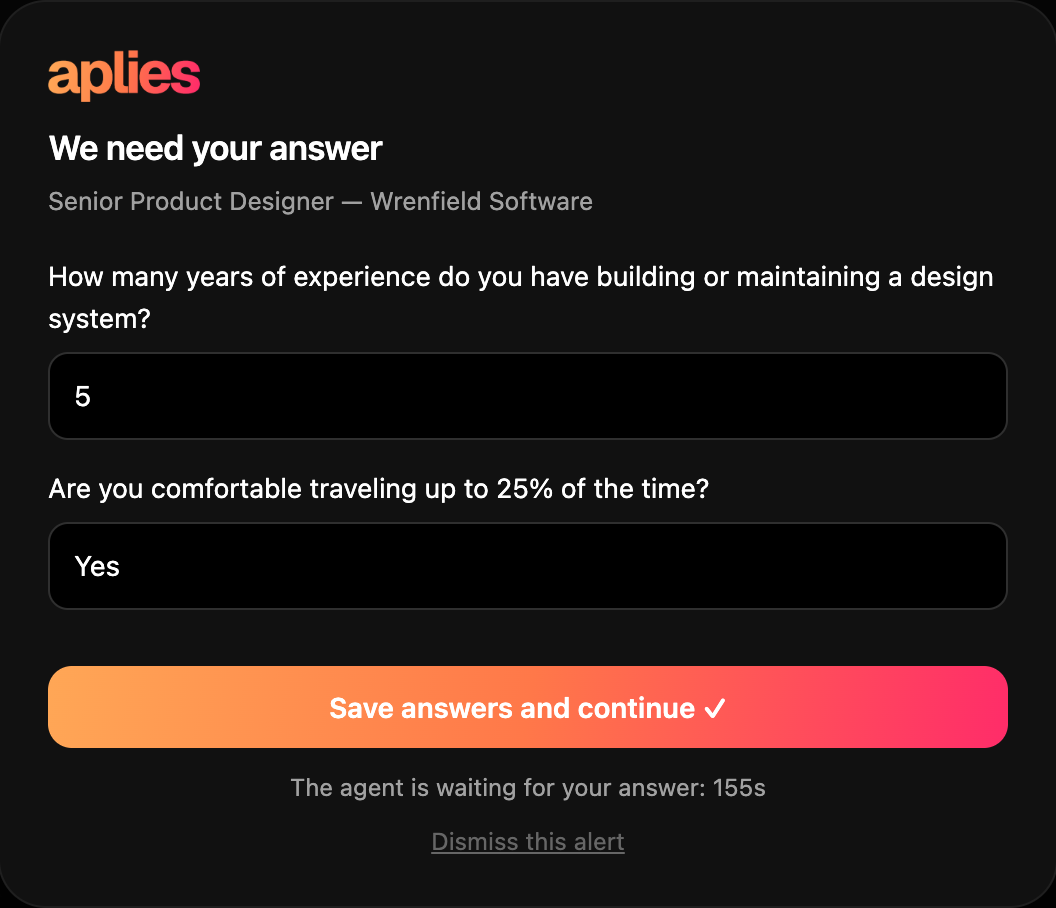
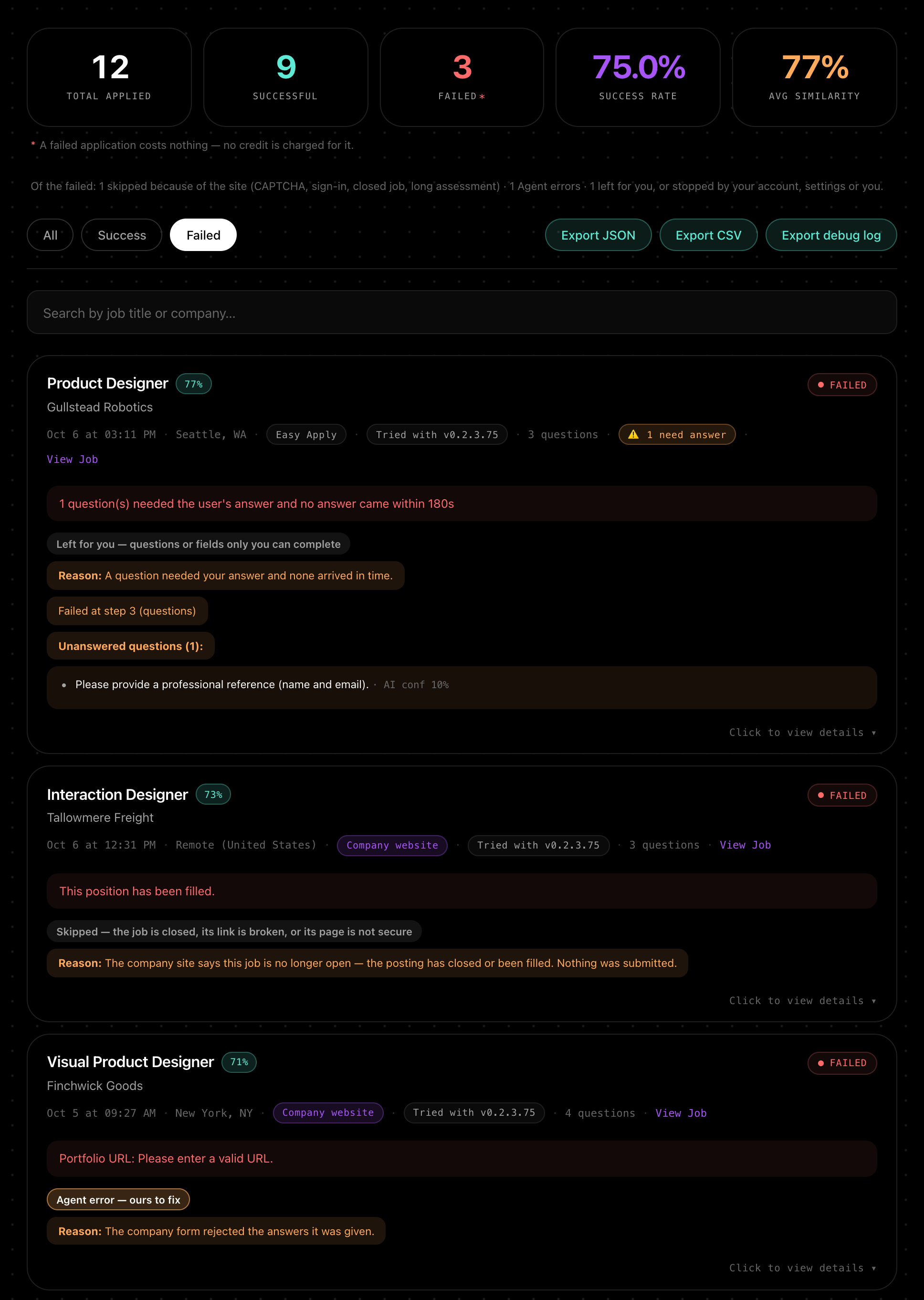
Real screens from the Aplies Agent, shown with sample data.
Sources
Every page listed here was published by the company it describes and read on 10 October 2026. Their claims are quoted as their claims, and where we found nothing, the table says so. Products change: check the page before you decide, and write to help@aplies.com if something here is out of date.
It can send referral emails, written for you, to employees at the companies you apply to.
Every rule, written down.
Who submits, when it asks you, what it does at a security check and what each application costs are all on this site. Add the Agent to Chrome and run setup once.