Comparison · 7 min read
The best auto-apply job tools in 2026 — an honest comparison
Simplify, LazyApply, Jobright, LoopCV, Careerflow and Aplies compared honestly: what each one does, where each beats us, and how to choose.

Published · Updated
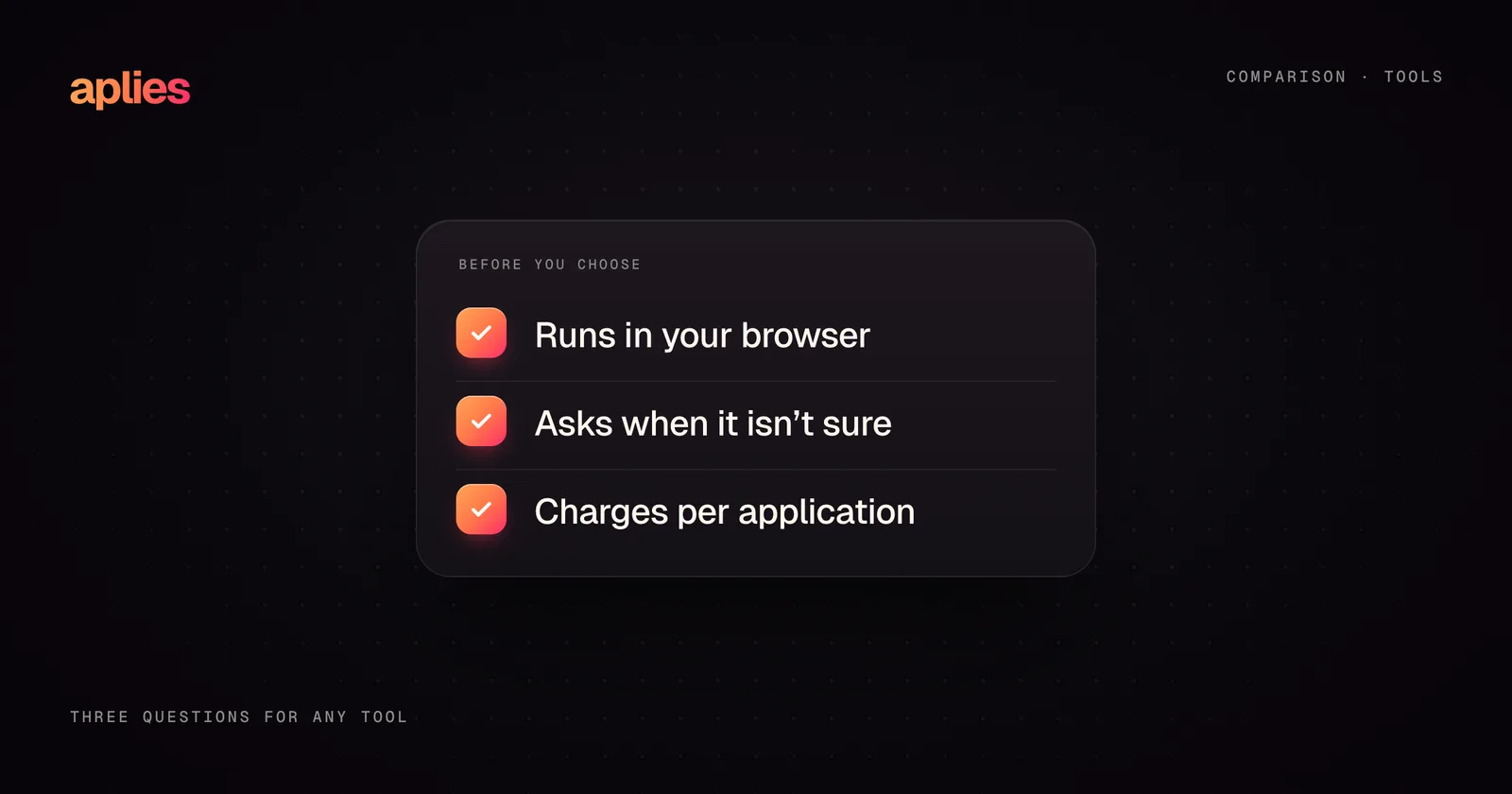
If you are looking for the best auto-apply job tools in 2026, the realistic shortlist is Simplify, LazyApply, Jobright, LoopCV, Careerflow and Aplies, which we build. Which one fits depends mostly on two questions: do you want a tool that fills forms while you submit, or one that submits for you; and do you want broad coverage across many job boards, or supervised depth on one?
A disclosure first: this comparison is written by the Aplies team, so we have an obvious interest in how it lands. To compensate, we checked each tool's own website and help pages on 27 October 2026, describe each one by what its own pages say, say so where a page does not say, and state plainly where a competitor beats us. We do not quote prices for any tool, ours included: they change often, and the vendor's own pricing page is the only place to read them.
What counts as auto-apply, and what is really autofill?
The category name hides an important split:
- 01Autofill tools fill in application forms while you drive: you find the job, open the form, the extension fills it, and you review and submit. Simplify and Careerflow work mostly this way.
- 02Auto-apply tools go further: they find matching roles and submit applications with little or no input from you on each one. LazyApply, LoopCV, Jobright's AI agent and Aplies work this way.
The split matters because the two solve different problems. Autofill saves you minutes per application. Auto-apply changes how many applications exist at all, which raises the stakes on quality, control and honesty.
How do the main auto-apply tools compare in 2026?
Here is the field as each company describes it on its own pages today:
- 01Simplify. A browser extension for Chrome, Firefox and other Chromium browsers such as Edge, Brave and Arc. It autofills applications on what it describes as thousands of company career sites, can draft answers to unusual questions (a setting you can turn off), helps tailor your resume and keeps a tracker of every application. Its help centre says you review each application before you submit it yourself.
- 02LazyApply. A Chrome extension built for volume. Its site names Greenhouse, Dice, Indeed and ZipRecruiter, and third-party coverage adds LinkedIn. Its plan tiers advertise up to 1,500 applications a day, and it also sends referral emails to people at the companies you apply to and writes cover letters.
- 03Jobright. An AI job-matching platform with one-click autofill across major applicant tracking systems, a resume tailored to each job, help finding referrals, and a career copilot. It also offers an AI agent that it presents as applying for you.
- 04LoopCV. A web service that finds jobs on what it says are more than 20 job boards and career pages, then applies through the employer's application form or a browser extension, or emails the recruiter directly with a personalised message. It adds CV testing, email analytics and mock interviews.
- 05Careerflow. A job-search toolkit: a LinkedIn profile optimiser, an AI resume builder, cover letters, a job tracker, mock interviews and a Chrome extension that autofills forms. Its site describes autofill, not automatic submission.
- 06Aplies. A Chrome extension that searches LinkedIn only. It scores every job out of 100 and opens only the jobs at or above your minimum, completes Easy Apply forms and, when you switch them on, the employer's careers site behind LinkedIn's Apply button. It answers from your CV and your saved answers, asks you when it is not sure, and charges credits only for applications it submits: 1 for Easy Apply, 2 for a company site.
Feature lists in this category change often, so treat this as a snapshot and check each vendor's own pages before you choose.
Which tools cover the most job boards?
If breadth is your measure, Aplies loses this section, and it is worth saying directly. Simplify's autofill reaches the most career sites by its own count. LoopCV searches many boards and adds a channel the others here do not: emails to recruiters. LazyApply covers several large boards. Aplies covers exactly one: LinkedIn, in Chrome on a computer, on purpose.
The trade we made is depth on that one site. Many LinkedIn tools handle only the Easy Apply button, because the other button, Apply, leads to the employer's own careers site, with a different form every time. When you switch it on, Aplies follows that button and fills the employer's form too, with named support for Greenhouse, Lever, Ashby, SmartRecruiters and Workday and a general engine for the rest. It never creates an account or types a password there: at a sign-in wall, which most Workday sites have, it stops and leaves the tab open for you.
Breadth and depth pull in opposite directions. Decide which one your search needs before you compare anything else.
How should you compare what these tools cost?
We leave the numbers to each vendor's pricing page, because they change too often to print. What is worth comparing is how each tool charges:
- 01Are you charged for applications that failed or never went out?
- 02Do you pay for a long period up front, or can you stop when your search ends?
- 03Is the price tied to what the tool does, per application, or to time, whatever you use?
- 04Are there extra fees beyond the posted price?
For Aplies the answers are short. A plan, monthly or yearly, buys credits, and credits are spent per application: 1 for Easy Apply, 2 for a company-site application. Searching and scoring jobs cost nothing, and anything that stops before it is submitted costs nothing. New accounts get free credits once they verify a phone number, and the pricing page lists every fee, including the 10% kept when unused credits carry over on Executive and Signature or when you send credits to another account.
Where does each competitor beat Aplies?
Ranked comparisons from a vendor usually turn suspicious right about here, so here is the specific version:
- 01Simplify beats us on reach and choice: it works in more browsers, on far more career sites, and leaves every submit in your hands.
- 02LazyApply beats us on raw volume: its top tier advertises up to 1,500 applications a day, while Aplies stops at 20 an hour and 49 in any 24 hours by design, with a pause between applications on every plan.
- 03Jobright beats us on the surrounding toolkit: matching, tailored resumes, referrals and a copilot cover parts of the job search Aplies does not touch.
- 04LoopCV beats us on channels: emailing recruiters is a genuinely different way into a company, and we do not offer it.
- 05Careerflow beats us on profile work: its LinkedIn profile optimiser improves the page every recruiter checks, which no amount of auto-applying can do.
What Aplies does, stated plainly: it searches LinkedIn newest jobs first, opens only jobs above your minimum match, answers from your CV and your saved answers, stops and asks you when it is not sure, never guesses your gender, nationality or date of birth, never asks for your LinkedIn password, never solves a CAPTCHA, and keeps a record of every question and answer. It runs when you press Start or on a schedule, in its own tab, on your account. The documentation sets out each of those rules, and how it works shows each step.
How should you choose an auto-apply tool?
Strip the branding away and the decision comes down to four questions:
- 01Where do the jobs you want actually live? If they are spread across many boards, pick breadth (Simplify or LoopCV). If they are on LinkedIn, pick depth.
- 02Do you want to press Submit yourself? If yes, an autofill tool is enough. If you want the tool to submit, check what it does when it is not sure of an answer.
- 03How much volume do you honestly need? Hundreds of applications a day mostly produce hundreds of weak applications, which is why we cap ours.
- 04What happens at the employer's form? Ask any vendor whether the tool finishes that application or hands it back to you.
We think Aplies is the right choice for one specific person: someone whose target roles are on LinkedIn, who wants applications completed from start to finish rather than half-filled, and who wants to supervise the process. If that is not you, one of the five tools above may well be the better pick, and we would rather say so here than have you find out after paying.
Aplies is an independent product, not affiliated with or endorsed by LinkedIn. It runs in your browser, on your account, under your supervision.
Related guides
Comparison ·
Sonara shut down — alternatives that still work in 2026
Sonara went offline in February 2024, stranding users mid-search. The auto-apply tools still live in 2026 — and how to pick one that won't repeat the story.
Explainer ·
Can LinkedIn ban you for auto-applying? The honest answer
Yes, it can — automation is against LinkedIn's User Agreement. The real risk factors, how pacing and supervision reduce them, and what no tool can promise.
Guide ·
How to auto-apply to LinkedIn jobs in 2026: the complete guide
What auto-applying on LinkedIn involves, Easy Apply vs company sites, what to set up first, how to keep your account safe, and what a good tool should never do.