Guide · 9 min read
Job application screening questions: how to answer each one
The screening questions on every job application and on LinkedIn Easy Apply, how to answer each one honestly and fast, and the mistakes that sink good answers.

Published · Updated
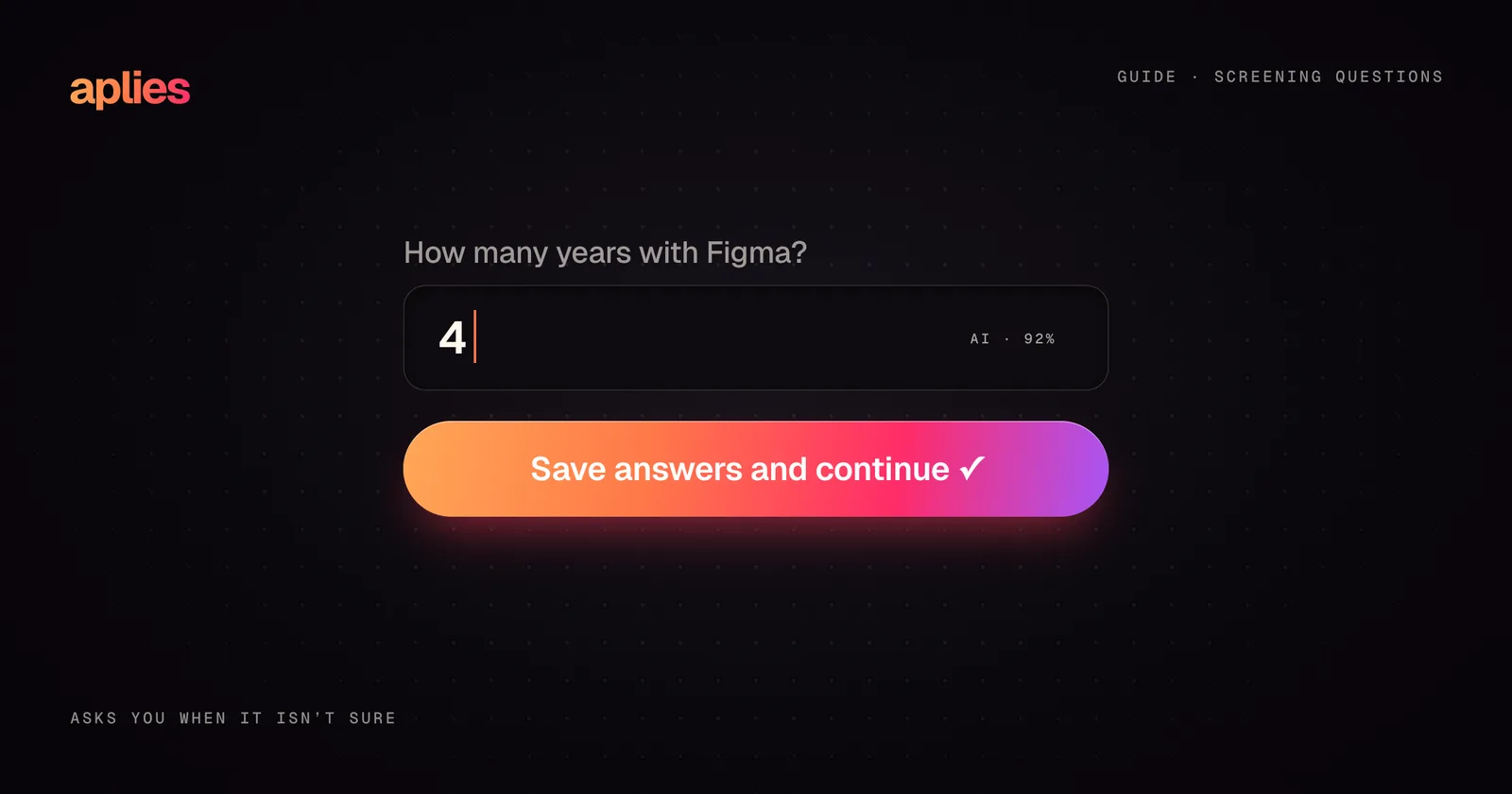
Screening questions are the short questions between "upload your CV" and "submit": your right to work, your notice period, your years with a tool, and sometimes "Why do you want to work here?" Answer the factual ones exactly and the same way every time, and the written ones in two to five specific, true sentences. That is most of the skill.
They are also where many applications are quietly won or lost. Some are checked automatically before anyone opens your CV; others are the first time a recruiter hears you in your own words. This guide covers the questions you will meet most often, on company forms and on LinkedIn Easy Apply, how to answer each one honestly and fast, and the habits that keep your answers consistent across dozens of applications.
A disclosure first: we build Aplies, which answers screening questions for you. Everything below works just as well if you write every answer by hand, and we say where our own tool fits at the end.
Why do screening questions matter more than they look?
They do two different jobs, and it helps to know which one you are facing:
- 01Knockout questions: right to work, location, notice period, a required degree, a minimum number of years with a tool. These are often checked automatically, and a wrong or missing answer can end the application before a person sees it.
- 02Written questions, such as "Why this company?" or "Describe a project you are proud of." These are read by a person, usually a recruiter with a pile of other applications beside yours.
The two deserve different effort. Knockout questions need accuracy. Written questions need specifics. The most common mistake is mixing them up: agonising over a yes/no field and dashing off a generic paragraph where it counts.
How do screening questions work on LinkedIn Easy Apply?
Easy Apply fills in your contact details and CV for you, and many of its forms end with a few screening questions. Employers use them to sort applications before anyone reads a CV: an application that says it cannot work on site, or has fewer years with a skill than the role asks for, may be set aside without a person ever looking at it. The CV you attached does not change that. Only the answer you gave does. For the wider picture, read how Easy Apply works.
How do you answer the knockout questions?
Plainly, accurately, and in a way you could repeat out loud in an interview. Facts given on an application tend to be checked later, at the interview, in reference calls or at the offer stage, so there is nothing to gain by stretching them.
- 01Right to work and sponsorship. Answer for the country the job is in, not the one you live in. "Are you authorised to work here?" and "Will you now or in the future need sponsorship?" are separate questions, and often need opposite answers.
- 02Location and on-site work. If the job is on site or hybrid, answer for that city. If you are relocating, say when, where the form leaves room.
- 03Notice period and start date. Give your real contractual notice and the same answer everywhere. If you have genuine flexibility, add it in one short clause.
- 04Years of experience with a skill or tool. Count the time you actually used it in a job or a substantial project, not the time since you first heard of it, and round down. A posting that asks for "5+ years" is a wish list, and an honest "4" from a strong candidate is often still worth a conversation.
- 05Have you used this? Answer from what you have actually done. A yes you cannot back up in an interview costs more than the application was worth.
- 06Degrees and certificates. Only what you hold. "In progress" is a legitimate answer when it is true.
How should you answer "What are your salary expectations?"
Research before you type a number. Start with the range in the posting if there is one, then look at what comparable roles in your city or remote market pay. Pay-transparency rules differ by country, so check what applies where you are.
- 01Give the figure in the currency and for the period the form asks for, hourly, monthly or yearly.
- 02If the field takes a range, make its bottom a number you would genuinely accept.
- 03If it needs a single figure, choose one in the upper middle of the realistic range, not the floor; a first number tends to anchor everything after it.
- 04If the field is optional, you can leave it blank or write "Open, happy to discuss once I understand the full scope of the role."
- 05Keep one honest range across forms, and never name a figure lower than you would take just to look easy to hire. It rarely helps and is hard to walk back.
What about questions on gender, ethnicity or disability?
Voluntary self-identification questions, about gender, ethnicity, disability or veteran status, are optional. "I don't wish to answer" is always a valid choice, and choosing it should not affect your application.
How do you write a strong "Why do you want to work here?"
Use three parts: one specific thing about the company, one specific thing about you, and the link between them. Three sentences is enough. The thing about the company should come from something real: the posting, the product, a recent launch. A line like "industry leader" or "dynamic team" proves you did not look.
Here is a constructed example for a hypothetical logistics analyst: "Your move to same-week delivery windows is the kind of routing problem I have spent the last three years on, mostly in batching and dispatch planning. I would like to work on it at your scale." It does not flatter, it does not claim passion, and every clause could be defended in an interview.
This question is worth ten real minutes of research per company. If you are applying widely, that is an argument for choosing which roles get the ten minutes, not for skipping them all.
How do you handle "Tell me about a time when…"?
Compress the classic situation, action and result into about 80 to 120 words: one line of context, two or three on what you personally did, and one on the outcome, with a concrete result if you honestly have one. Pick the story from your CV so your application and your interview tell the same tale. If the question asks about conflict, choose a mild, resolved one; recruiters want to see judgement, not war stories.
What if you only half-meet a requirement?
"Do you have experience with X?" deserves one of three honest answers:
- 01A yes with evidence: "Yes, daily for four years, mostly building reporting pipelines."
- 02An adjacent answer: "Not with X directly, but I have used Y for the same purpose for two years."
- 03A plain no, which is fine when the rest of your profile is strong.
If a form demands a yes you cannot honestly give, answer no. A mismatch found now costs one application; found in an interview, it costs the interview.
What about fields that do not fit your answer?
- 01Number fields that take whole numbers only. Round down, not up: two and a half years is two.
- 02Dropdowns with no option that fits. Choose the closest true one, and explain in a text box if the form has one.
- 03Answers that need context. Keep the field's answer simple and use any free-text box the form offers for the detail.
What mistakes sink otherwise good answers?
- 01Generic filler. "I am passionate about leveraging my skills in a dynamic environment" could be pasted onto any application, which is exactly why it persuades no one.
- 02The wrong company name. Copy-paste errors are the most embarrassing and the most common. Read each answer once before it goes out.
- 03Contradicting your CV. Different dates, titles or tools between the form and the document raise questions you never get to answer.
- 04Writing an essay. Unless the form asks for more, stay under about 120 words.
- 05Answering a different question. "Describe a project" is not "list your skills".
A good screening answer is short, specific and true. If any one of those is missing, the other two stop mattering.
How do you keep your answers consistent?
The hard part of screening questions is not any single answer; it is giving the same answer every time. Keep an answer bank: one document with your standard answers to the questions that appear everywhere. Your notice period, salary range, right to work in each country you apply to, years with each main skill, a two-sentence pitch, a project you are proud of, a conflict story. Reuse the facts as they are, rewrite only the first sentence for each company, and review the bank every few months so it never drifts away from your CV. Feed it from a running wins document: each week, note what you achieved, the problem you solved and any number that shows the result, so your answers and your CV always have fresh, specific material to draw on.
Keep a record of what each application said, not only where it went. When a recruiter calls about a role you applied to three weeks ago, they will look at the answers you gave, and you will want to know them too.
How does Aplies answer screening questions?
Aplies is a Chrome extension that fills job applications on LinkedIn Easy Apply and, if you switch them on, on company careers sites. It answers screening questions from two sources: your CV, which you review in setup before it applies to anything, and the answers you gave in setup, such as your salary, notice period and where you can work.
- 01Every answer carries a confidence. When it is not sure, it stops and asks you, with a chime, a notification and a card on the page. The answer you type is saved and reused the next time a form asks the same question, so the answer bank fills itself.
- 02If you do not answer within a few minutes, an ordinary question goes out with the Agent's own best answer. If a personal fact is still missing, it keeps waiting and reminds you; if you press Skip, that job is not submitted and not charged.
- 03It never makes up personal facts. Your date of birth, gender, nationality, phone number and notice period come from your setup, and gender is never guessed from a name. Questions about race, ethnicity, disability or veteran status get the form's option to decline.
- 04Questions about your right to work or sponsorship are shown to you first, with a suggested answer based on your nationality and where you live. If you do not answer in time, the suggestion is sent only when the Agent is sure of it, so check these answers in your first runs.
- 05Written answers are two to five sentences built from the experience, skills and education in your CV that the question is about, and each question gets its own answer. When it is not sure what to write, it asks you.
Every question and every answer it gave is kept in its Application Report, where you can correct an answer for next time; the documentation describes it. Keep your first runs short and read the answers before you put the Agent on a schedule. An application is charged only when it is submitted; the pricing page has the details.
Whether you write the answers yourself or let a tool fill in the routine ones, the standard is the same: someone reading your application should be able to tell it came from a real person with a real history. Make that easy for them.
Aplies is an independent product, not affiliated with or endorsed by LinkedIn.
Related guides
Guide ·
Your LinkedIn profile before you apply: what recruiters see
What recruiters see when you apply on LinkedIn, the profile fixes that matter before you send applications, and how to keep your profile and CV telling one story.
Guide ·
How to auto-apply to LinkedIn jobs in 2026: the complete guide
What auto-applying on LinkedIn involves, Easy Apply vs company sites, what to set up first, how to keep your account safe, and what a good tool should never do.
Explainer ·
LinkedIn Easy Apply vs the company site: when to use each
How LinkedIn Easy Apply works, what recruiters receive, how it differs from applying on the company website, and which route to use for each job.